EYE MINI USER MANUAL 24
Your EYE MINI is now aligned and ready.
Once your EYE MINI is visually parallel to your target line,
you can ensure the most accuracy by using the Alignment
feature. To begin aligning your EYE MINI to the target,
either select “ALIGN” at the bottom of the main screen,
or “MENU” then “Target Alignment”. Once the alignment
screen opens, press “START”.
Align two balls 10” - 20” apart pointed at your target
(*ensure that target is within 10 degrees of where the
EYE MINI is aimed). Make sure there is a check mark
above the two balls on the EYE MINI display, then click
“APPLY”. This will ‘zero’ out your alignment of EYE MINI
and ensure your most accurate results.
TARGET ALIGNMENT
Aligning Your EYE MINI
Target Alignment
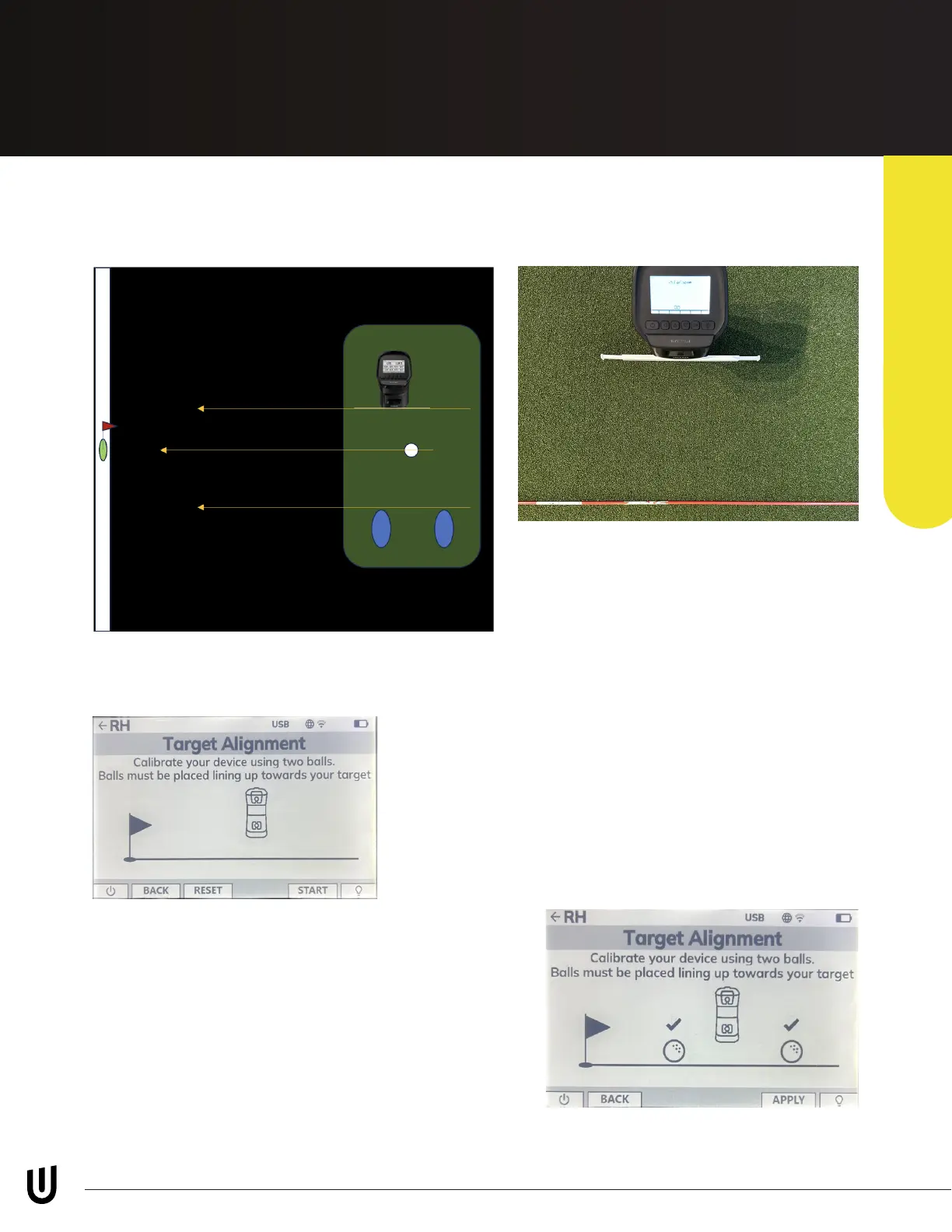
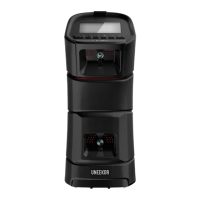
To ensure proper measurements for both swing
path and club data, please ensure EYE MINI is setup
parallel to your target line. (see images for reference)
Included in your EYE MINI kit is an alignment rod that attaches to the base of EYE MINI. Once the alignment rod is
attached, you can also extned the two ends for a longer visual line.
**Please note, you do not need to adjust EYE MINI until the reading
measures 0 degrees**


 To Next Page