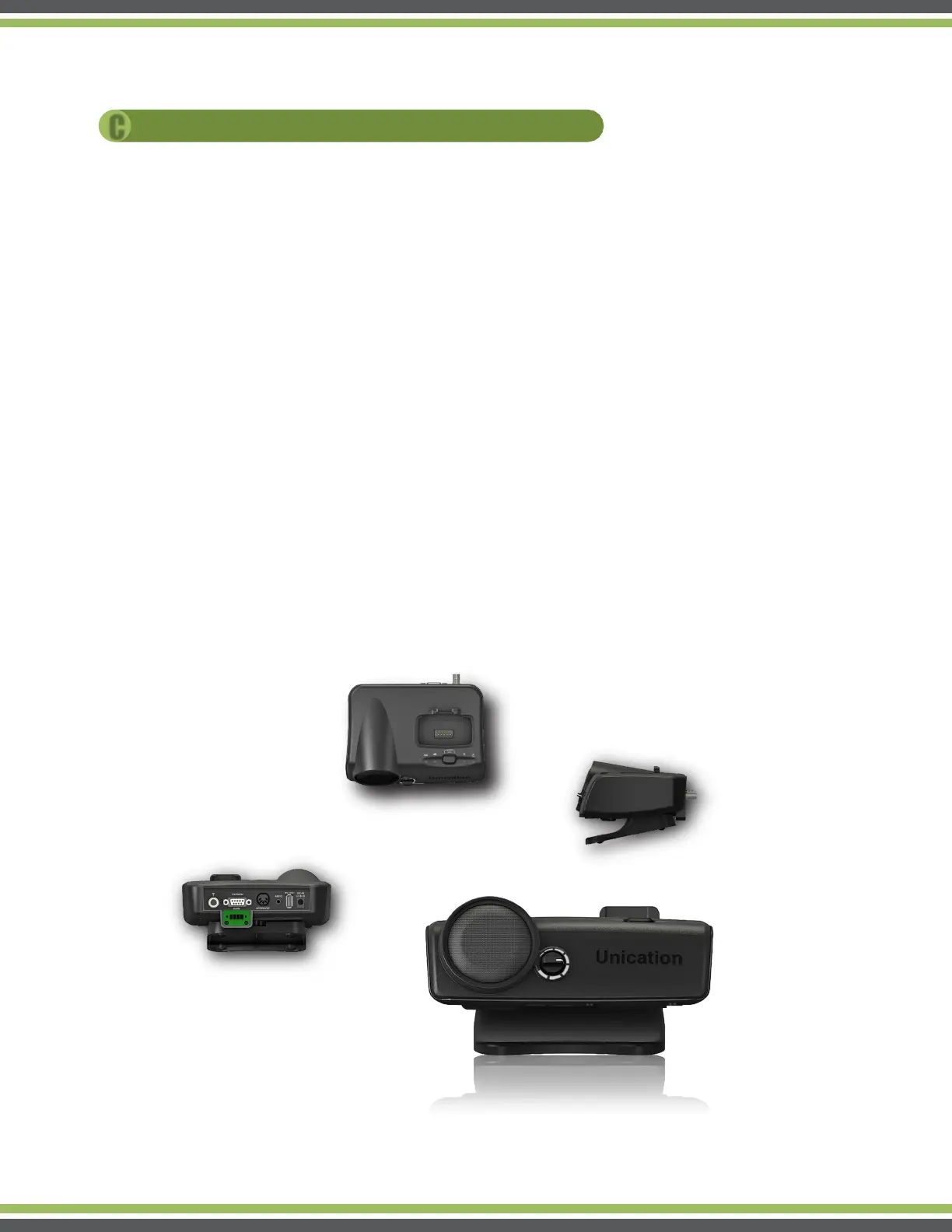
1 Power Source:
A
Connect the Charger Amplifier to power outlet (110/60Hz) with the supplied Adaptor.
B
Connect the Charger Amplifier to vehicle’s lighter socket with optional vehicle charger cable.
2 Charging Digital G Series Pager:
Insert Digital G Series Voice Pager into Charger Amplifier’s Pager Socket tightly. The charging
process starts with Charging LED indicator shows orange. When the battery is fully charged, the
LED turns green.
3 Charging USB device:
Connect the USB device to the Charger Amplifier’s USB Charging Port with USB Cable.
4 Voice Message Amplification:
Turn on Digital G Series Voice Pager and put into Charger Amplifier’s pager socket.
When the pager receives voice messages, it will be amplified based on the volume knob setting.
8
OERATION
OVERVIEW
C



 To Next Page