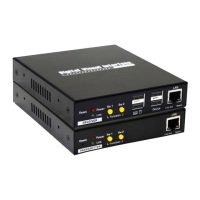
Quick Installation Guide DX120 CAT5 DVI KVM Extender Over LAN w/Audio & Mic
2
http://www.uniclass.com.tw Rev. 1.1 Copyright @ All Rights Reserved
[TX – Front-panel]
a. Reset Button
b. Power LED (Lights when power on)
c. Link LED (Lights when link active)
d. Momentary Switch Button (Yellow - Sw1)
e. Momentary Switch Button (Yellow - Sw2)
f. CAT5 Extension Port [RJ45, connect to the RX unit via a
CATx UTP cable, 100 Max.]
[TX – Back-panel]
g. Power Jack
h. USB Port (Type B)
i. Remote Out
j. Mic. Connector
k. Audio Connector
l. Monitor DVI Port
m. 4 Position Dip Switch
Receiver (RX) Unit
Receiver (RX) Unit Front-View
Receiver (RX) Unit Back-View
Receiver (RX) Unit Right Side-View
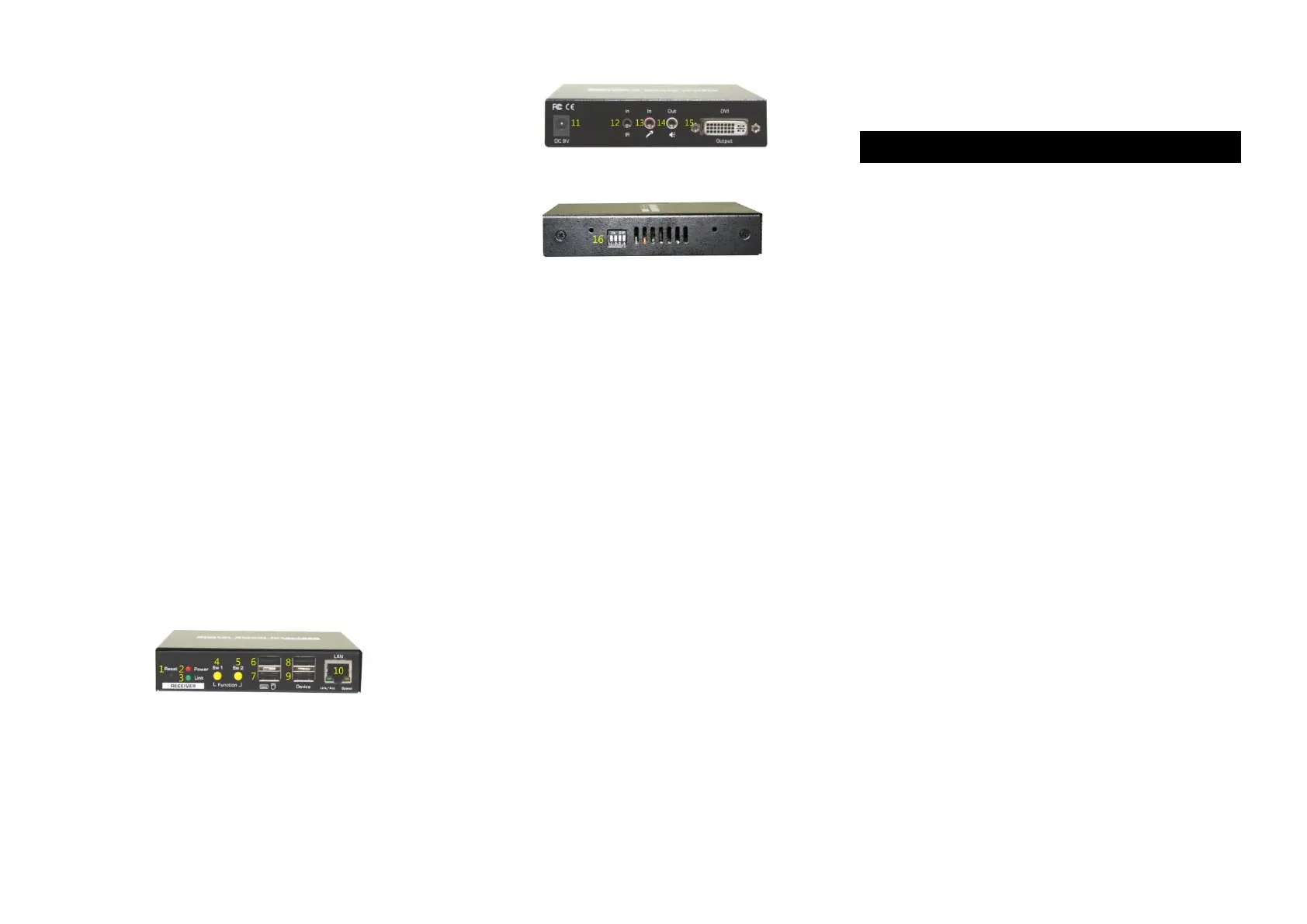
1. Reset Button
2. Power LED (Lights when power is on)
3. Link LED (Lights when link is active)
4. Momentary Switch (Sw1) Short press to switch on and off
Remote Console
5. Momentary Switch (SW2) Short press to select Graphic
Mode/ Video Mode (Long press to select Anti-Dither
1/2/OFF)
6. USB Port (Type A) for Keyboard
7. USB Port (Type A) for mouse
8. USB Device Port (Type A)
9. USB Device Port (Type A)
10. RJ45 Port
11. Power Jack
12. Remote In
13. Mic. In
14. Audio Out
15. DVI Port
16. 4 Position Dip Switch
Pre-Installation
Before you install the two pieces of the CAT5 KVM Extender Set,
you should have these items on the checklist ready:
Plan the layout path and deploy the UTP cable for
extension.
Plan the path through which the CATx UTP cable will be
deployed across the distance between the Transmitter
and the Receiver. You should choose the layout path not
only based on shortest possible length consideration, but
also on least electromagnetic interference.
Notes:
1. Use good quality CATx cable can be produced the better
video outcome with longer distance span.
2. Any cabling distance longer than 50M will experience more
signal degradation with longer span. However, good quality
cable can reach out farther.
3. To choose the path of the CATx UTP cable should not only
take into account the shortest possible path, but also consider
keeping out from any significant electromagnetic interference
source.
4. The ideal location for the power outlets near where you
located the extenders.


 To Next Page
 Loading...