EasyManua.ls Logo

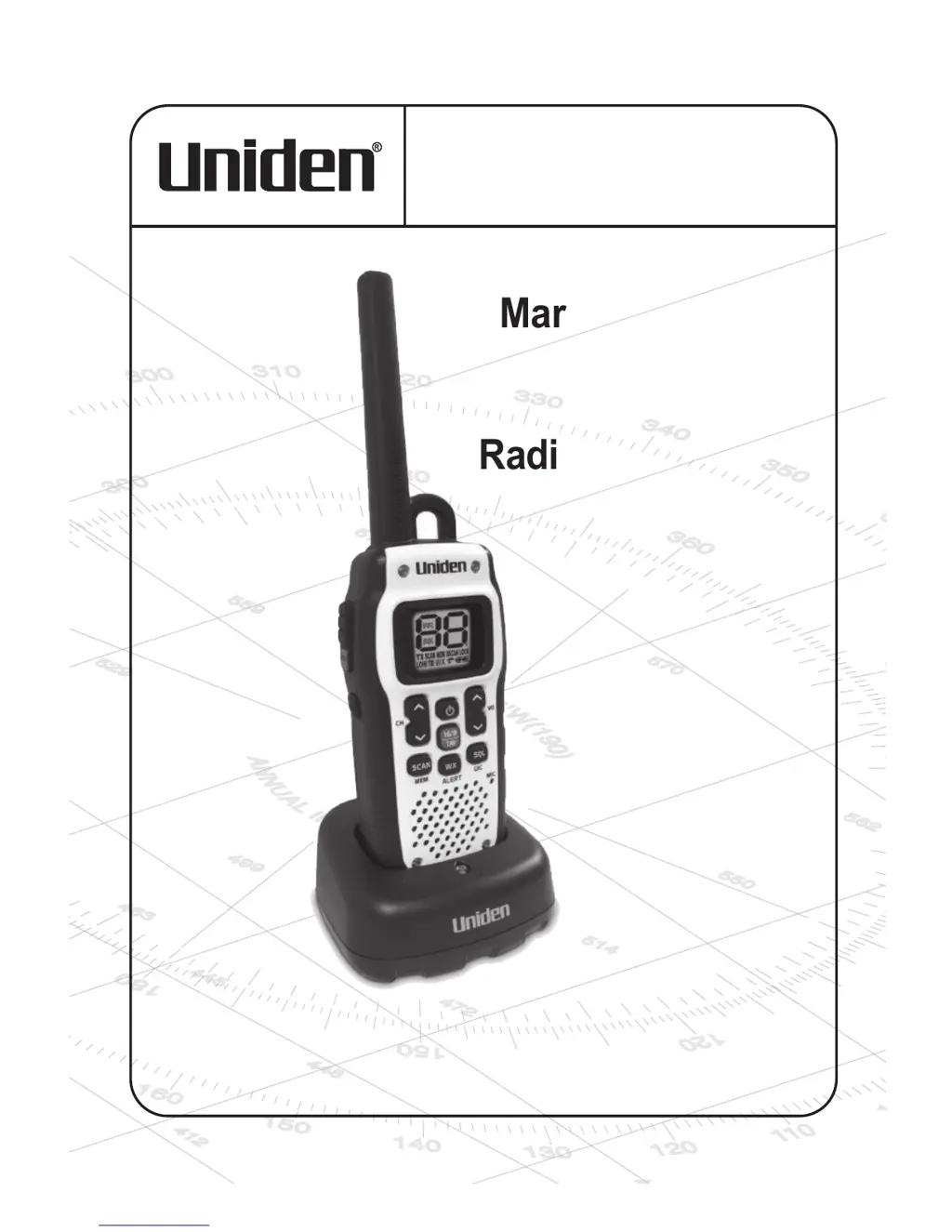
Uniden Atlantis 150 - User Manual

Uniden Atlantis 150
40 pages
Print Icon
To Next Page IconTo Next Page
Loading...
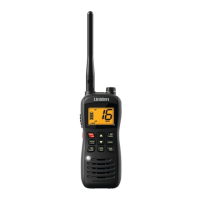
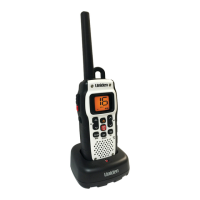
Atlantis 150
Radio VHF maritime
GUIDE D’UTILISATION
Marine VHF Radio
OWNER’S MANUAL

Questions and Answers

  • A
    Angela HinesJul 27, 2025
    What to do if my Uniden Atlantis 150 won't transmit?
    • M
      Matthew BrayJul 27, 2025
      If your Uniden Marine Radio won’t transmit, it could be due to several reasons: * Make sure you are not in Scan mode. * Ensure you are not trying to transmit on a receive-only channel. Refer to the channel lists for clarification. * Check the battery power level and charge the battery if it's low. * Also, make sure the duration of each transmission is less than 3 minutes.
  • J
    Jill DanielsAug 2, 2025
    Why can't I hear anything from my Uniden Atlantis 150 speaker?
    • E
      Eric HortonAug 2, 2025
      If you can't hear anything from the speaker of your Uniden Marine Radio, the squelch level is probably too high. Try adjusting the squelch level.
  • M
    Monique MyersAug 7, 2025
    How to fix noise coming from Uniden Atlantis 150 speaker?
    • H
      hclarkAug 8, 2025
      If there is constant noise coming from the speaker of your Uniden Marine Radio, the squelch level is probably too low. Adjust the squelch level to resolve this.
  • J
    Jacob MackAug 14, 2025
    What to do if the power LED on my Uniden Marine Radio charger doesn't turn on?
    • B
      Brian JohnsonAug 14, 2025
      If the power LED on the charger of your Uniden Marine Radio doesn’t turn on, it could be due to a few reasons: * The ambient temperature might be below 32°F (0°C) or above 113°F (45°C). Avoid using the charger in these conditions. * The charging contacts on the radio and charger might be dirty. Make sure to clean them. * The battery might be faulty. Try replacing the battery.
  • M
    morriscynthiaAug 20, 2025
    Why can I transmit, but no one can hear me on my Uniden Atlantis 150?
    • B
      Brian MillerAug 20, 2025
      If you can transmit with your Uniden Marine Radio, but no one can hear you, check your UIC channel settings. The area you are in might use different channel assignments.

Summary

MAKING A DISTRESS CALL

GETTING STARTED

CONTROLS AND INDICATORS

CONNECTING POWER

CHARGING THE BATTERY PACK

OPERATION

Set Squelch

Guides on using squelch to filter out background noise for clearer reception.

TRANSMITTING AND RECEIVING

Transmitting

Details on how to transmit, including power levels and transmission limits.

HOW IT WORKS

NORMAL MODE OPERATION

Describes how to operate the radio in normal mode, monitoring a single channel.

SCAN MODE OPERATION

Explains how to save channels to memory and scan them for activity.

WEATHER MODE

Details on how to use the radio to monitor NOAA weather channels and alerts.

Triple Watch

Explains the Triple Watch function for monitoring channels 16 and 9 simultaneously.

MAINTENANCE & TROUBLESHOOTING

CHANNELS AND FREQUENCIES (MHZ)

REGULATIONS AND SAFETY WARNINGS

BASIC RADIO GUIDELINES

One Year Limited Warranty

Uniden Atlantis 150 Specifications

General IconGeneral
NOAA Weather ChannelsYes
Display TypeLCD
TypeHandheld
ChannelsUSA, International, and Canadian Marine Channels
Power Output1W / 5W
Waterproof RatingIPX7
Battery TypeRechargeable

Related product manuals