EasyManua.ls Logo

Uniden BT229 - User Manual

Uniden BT229
16 pages
Print Icon
To Next Page IconTo Next Page
Loading...
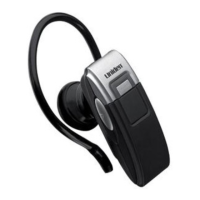
BT229 Bluetooth®
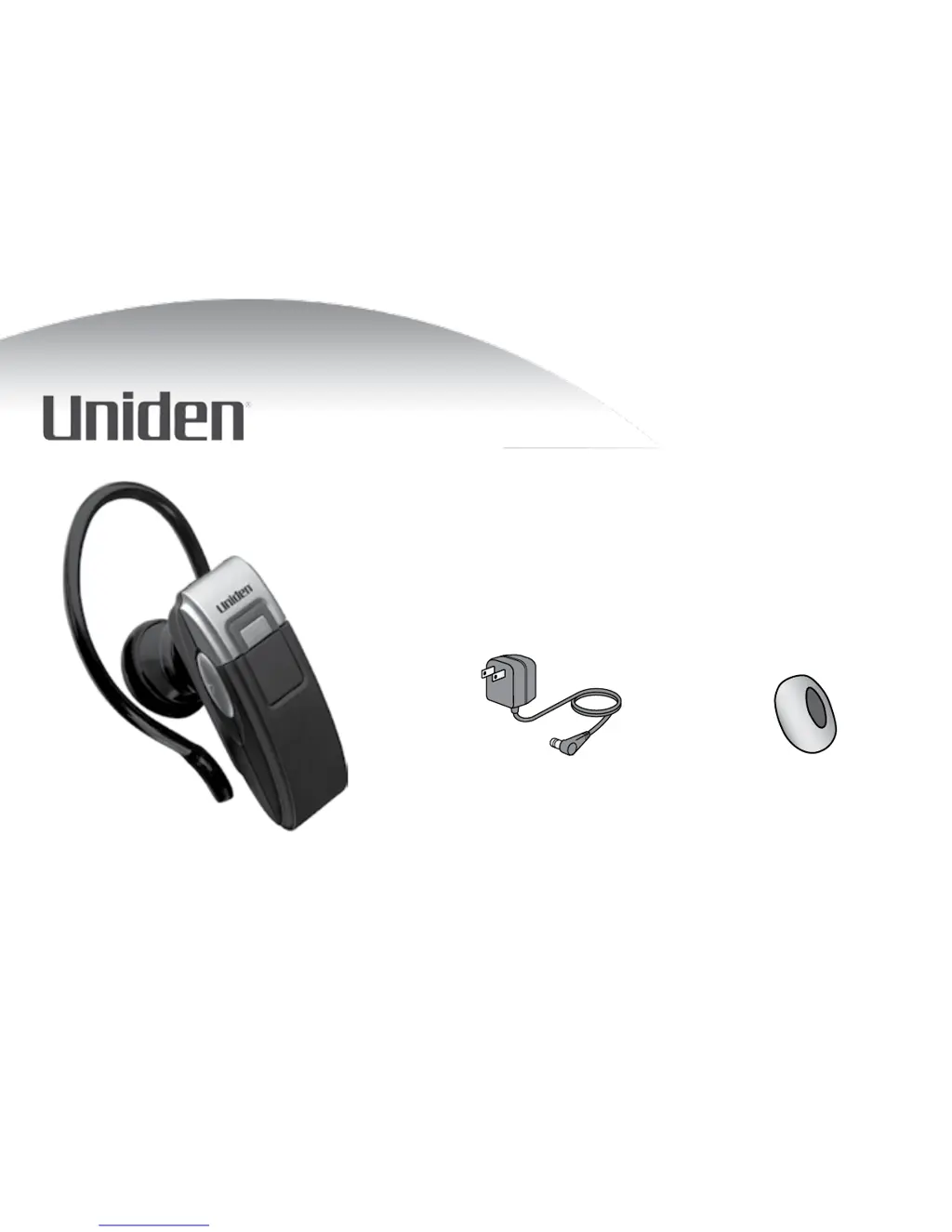
Headset Users Guide
Also in this package:
AC (indoor) power adapter Extra ear cushion
Questions? Problems? Get help on the web at www.uniden.com
or call our Customer Service line at 800-292-2294.

Questions and Answers

  • L
    Lisa AdamsAug 11, 2025
    Why does my Uniden BT229 Headsets keep beeping?
    • T
      Tanner HernandezAug 11, 2025
      Your Uniden Headsets might be beeping for a couple of reasons. First, check if the battery is low; if the LED is blinking red, charge the battery. Also, your phone might have lost its network signal. If your phone alerts you when it can’t connect, the headset will beep every 5 seconds.
  • B
    Brent NunezAug 19, 2025
    What to do if Uniden Headsets won’t pair with my phone?
    • W
      William SchmidtSep 12, 2025
      If your Uniden Headsets won’t pair with your phone, first ensure that your phone is in pairing mode. You may need to consult your phone’s manual for specific instructions on Bluetooth device pairing. If that doesn’t work, try turning the headset off, waiting at least 10 seconds, and then try the pairing process again. Also, verify that your phone supports the Bluetooth Headset or Hands-Free profiles.
  • T
    tim03Aug 26, 2025
    What to do if I can hear the caller, but the audio is very weak or soft on my Uniden BT229 Headsets?
    • T
      Trevor HughesAug 26, 2025
      If the audio is weak or soft on your Uniden Headsets, try turning up the speaker volume. If that doesn't help, move closer to your phone if you are not carrying it. Also, ensure the battery is fully charged, as the speaker volume may decrease as the battery runs out.
  • A
    Alexa RichardsonSep 2, 2025
    What to do if Uniden BT229 Headsets paired with my phone, but I can’t hear anything through it?
    • E
      Erika LopezSep 3, 2025
      If your Uniden Headsets are paired but you can’t hear anything, first make sure the call is connected and still active. Also, ensure that the call has been transferred to the headset. You can usually do this by pressing and holding the MFB (Multi-Function Button) for two seconds.

Uniden BT229 Specifications

General IconGeneral
BrandUniden
ModelBT229
CategoryHeadsets
LanguageEnglish

Related product manuals