EasyManua.ls Logo

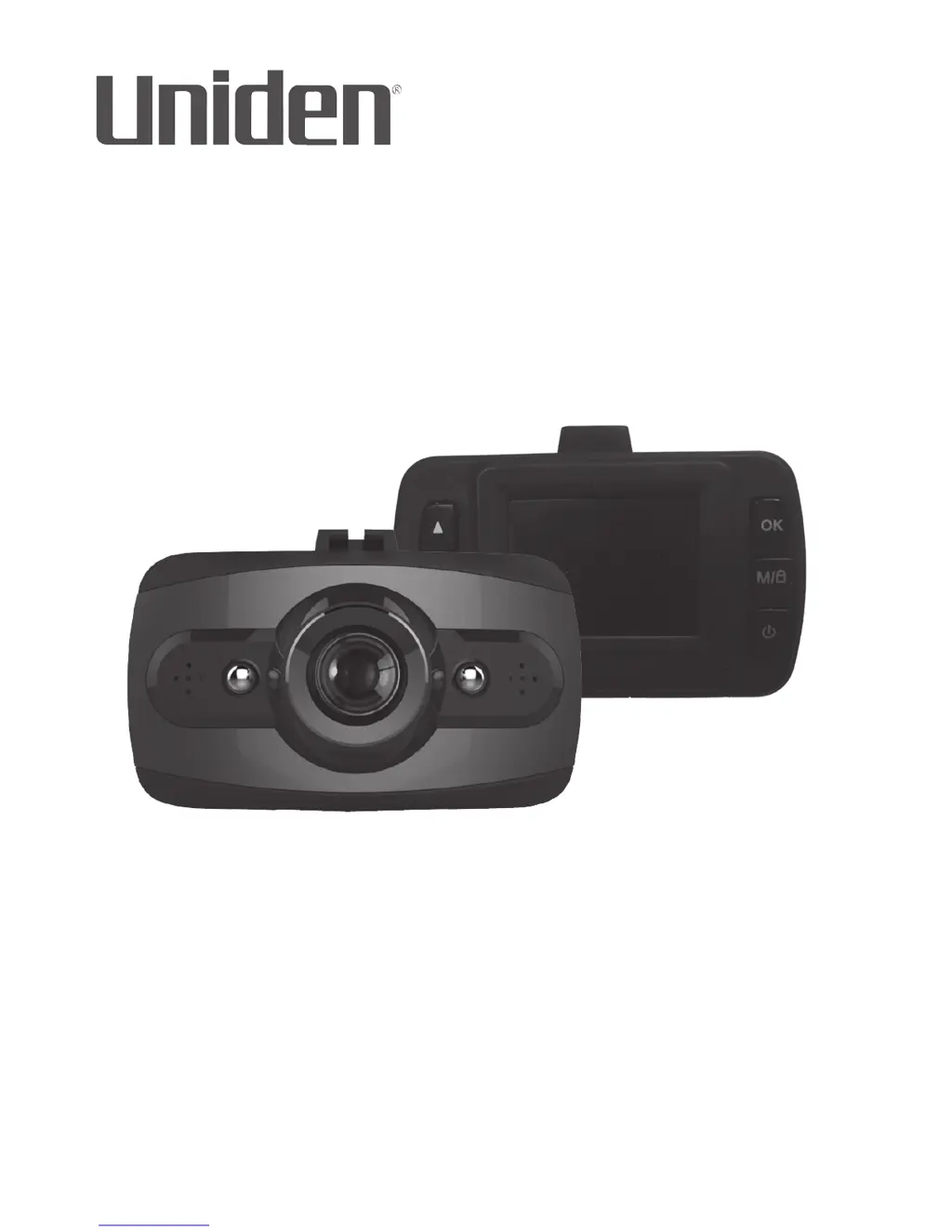
Uniden DCAM - User Manual

Uniden DCAM
28 pages
Print Icon
To Next Page IconTo Next Page
Loading...
DCAM
Issue 1, May 2016
Printed in China
© 2016 Uniden America Corporation
Irving, Texas
OWNER’S MANUAL
AUTOMOTIVE VIDEO RECORDER

Questions and Answers

  • C
    Carlos JonesJul 27, 2025
    What to do if Uniden DCAM video is unclear?
    • G
      gsmithJul 27, 2025
      If the video recorded by your Uniden DVR is unclear, make sure the lens is clean and free from fingerprints or dirt. Regularly clean the lens to maintain video clarity.
  • D
    Darryl LopezJul 31, 2025
    What to do if my Uniden DCAM unit crashes?
    • A
      Arthur McintyreJul 31, 2025
      If your Uniden DVR unit crashes, restart it by pressing and holding the Reset button with a pin or unfolded paper clip.
  • A
    Amber ShawAug 4, 2025
    Why does my Uniden DVR not take photos or record videos?
    • F
      fcarpenterAug 4, 2025
      If your Uniden DVR cannot take photos or record videos, or if it stops recording automatically, ensure that the microSD card is properly formatted and correctly inserted. Also, use the recommended type of microSD card (minimum 8GB Class 10).
  • M
    Mr. Joseph Woodard PhDAug 9, 2025
    How to fix cross-stripe interference in Uniden DCAM DVR image?
    • M
      mforbesAug 9, 2025
      To fix cross-stripe interference in an image on your Uniden DVR, verify that the Frequency option is set to 60Hz (North America).
  • M
    mjohnsonAug 13, 2025
    How to fix dark images while recording water/sky on Uniden DCAM?
    • A
      austin72Aug 13, 2025
      If you're getting dark images while recording water or sky with your Uniden DVR, adjust the EV setting.
  • A
    Aimee YoungAug 17, 2025
    How to fix bad color of the images of Uniden DCAM DVR?
    • L
      Luis ThomasAug 17, 2025
      If the color of the images from your Uniden DVR is not good, set the ‘white balance’ setting to automatic.
  • R
    ryancostaAug 22, 2025
    Why Uniden DVR camera does not turn off when the car is turned off?
    • C
      Christina KnappAug 22, 2025
      Check your vehicle’s owner’s manual to verify that you have connected the Uniden DVR camera to a power outlet that only operates when the key is in the ON or ACC position.

Summary

Important Safety Instructions

Overview

Features

Lists key features of the Uniden DCam, such as screen size, resolution, and night vision.

Whats in the Box?

Details the components included in the Uniden DCam package.

Controls and Indicators

Installation and Power Up

Attaching the Windshield Mount

Step-by-step guide for securely attaching the windshield mount to the DCam.

Installing the MicroSD Card

Instructions for inserting and removing the microSD card for recording.

Powering Up the DCam

Procedures for connecting the DC car adapter and powering on the DCam.

Operating the DCam

Record Mode

Details on starting, stopping, and managing video recordings on the DCam.

Photo Mode

Instructions for taking still snapshots with the DCam's camera.

Playback Mode

Guidance on viewing recorded videos and snapshots using the DCam.

Setup Menu

Explains how to access and configure device settings on the DCam.

Using the DCam

Connecting to a PC

Mass Storage

Connects the DCam to a PC for file transfer and management.

Troubleshooting

Specifications

One-Year Limited Warranty

Uniden DCAM Specifications

General IconGeneral
BrandUniden
ModelDCAM
CategoryDVR
LanguageEnglish

Related product manuals