Item What it is
10
POWEr
: Turns the camera ON or OFF.
11 Charging LED:
Red = Charging
Green = Fully charged
Off = Camera and power adapter are
disconnected or power adapter is
disconnected from power source.
12 Power LED:
Green = Camera is turned on.
Green (Blinking) = Battery is low.
13 DC 5V Power: Connects the DC 5V power
adaptor to the camera.
Refer to the UDR444 Wireless Video Surveillance
System Owner’s Manual for pairing and other
operation instructions.
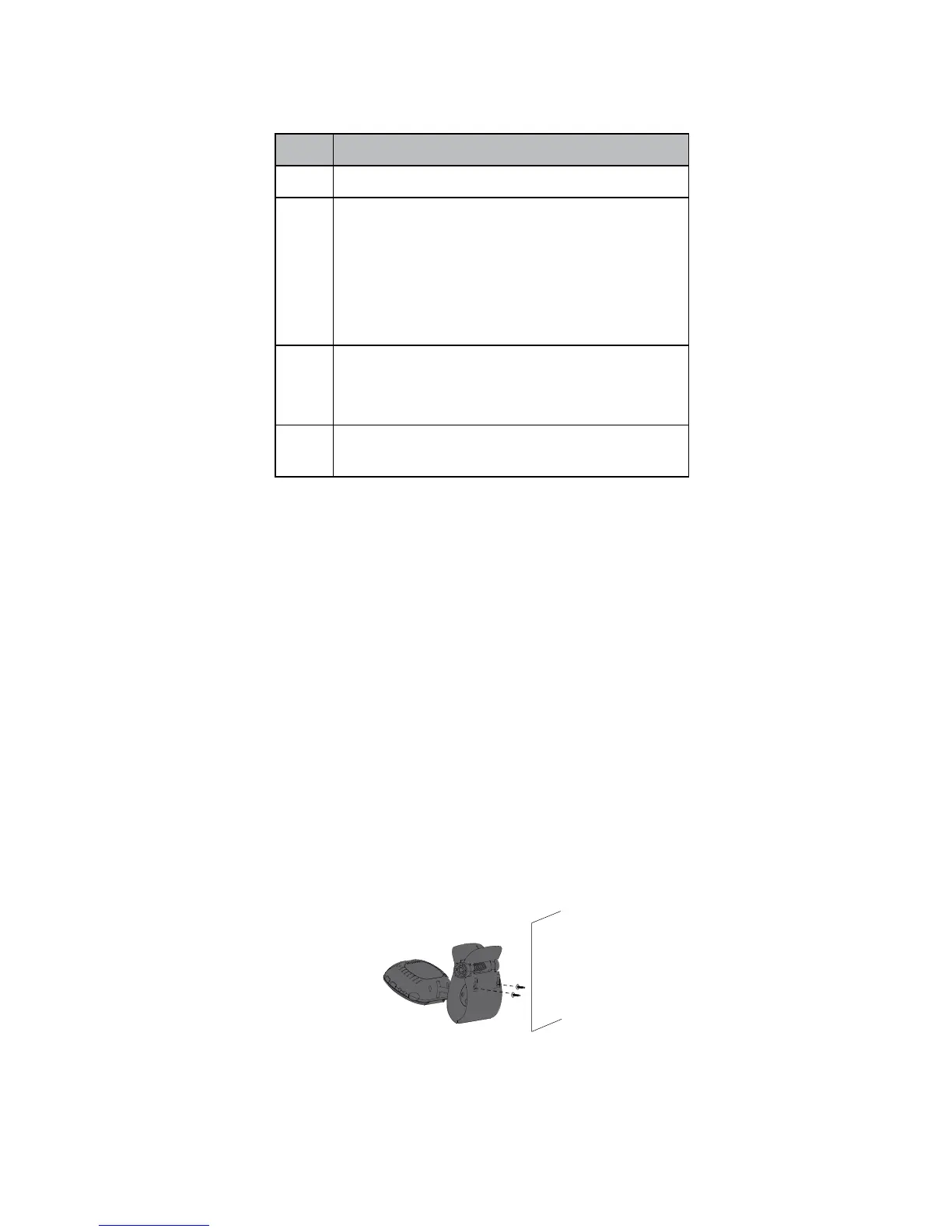
The UDRC13 clip has two slots that fit over screws
to mount the unit on the wall.
1. Mark the position of the screw holes on the
wall.
2. Drill holes and insert the anchors and screws
provided.
Be sure to leave room for the stand to fit over
the screw heads.
3. Place the stand over the installed screws and
push it downwards, locking it into place.
4. Adjust the camera as needed.
WALL



 To Next Page