Need help?
Do you have a question about the UniGuard LK720 and is the answer not in the manual?
Details technical specifications of the LK720 device, including dimensions, weight, GSM/GPS specs, and operating conditions.
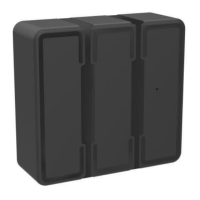
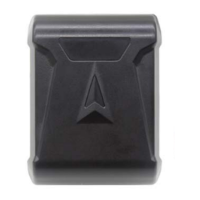
Presents visual aids for the installation process of the GPS tracker, showing different views of the device.
Details the SMS command for setting the Access Point Name (APN) on the device.
Specifies the SMS command to configure the device's IP address and port number for GPRS communication.
Describes the SMS command to adjust the GPRS data upload interval in seconds.
Instructions for logging into the web tracking platform to start using the service.
Explains how to use WeChat for tracking by downloading, registering, and following the specified account.

 To Next Page
 General