EasyManua.ls Logo

Uniphos FumiSense Pro UNIPHOS-250 - User Manual

Default Icon
25 pages
Print Icon
To Next Page IconTo Next Page
Loading...
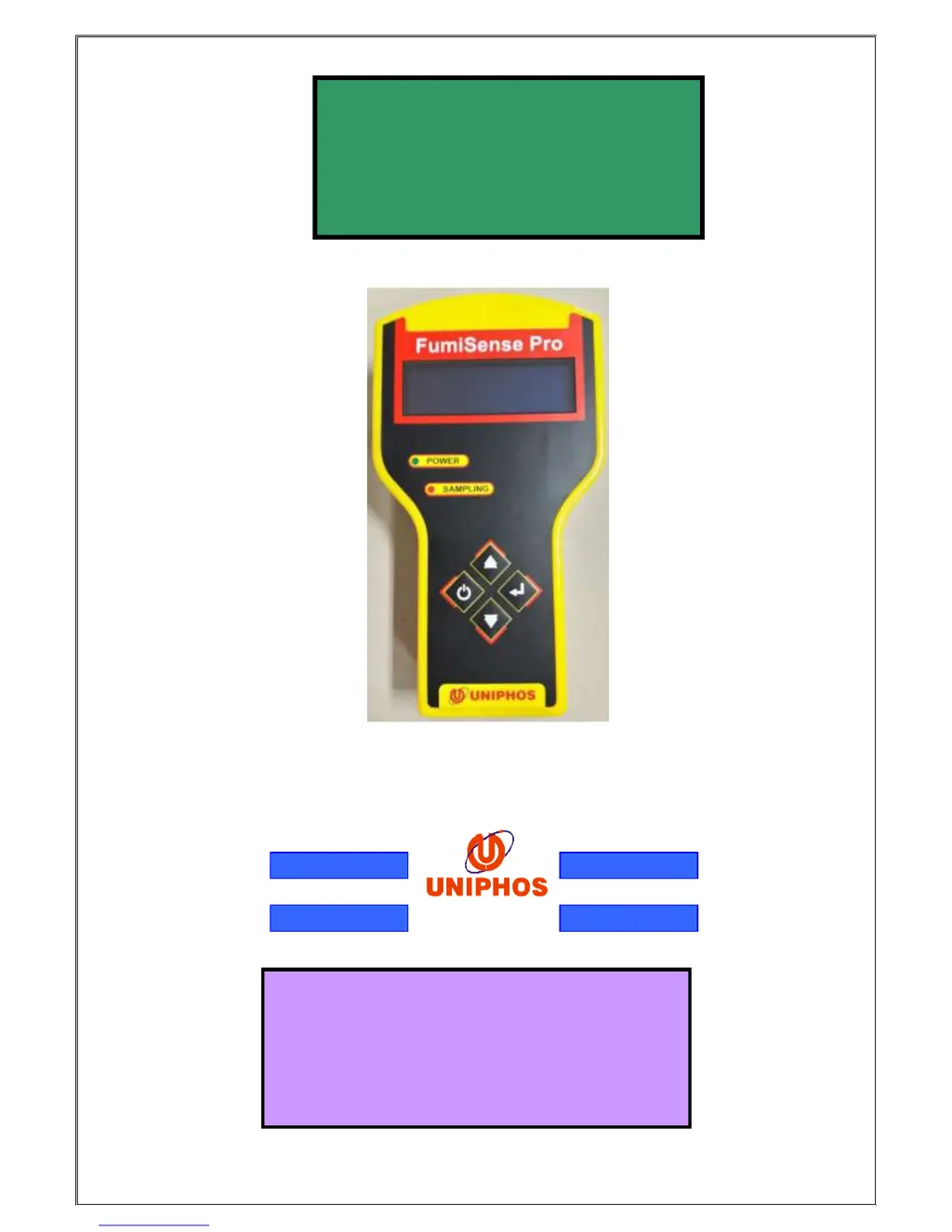
UNIPHOS-250(PM)
FumiSense Pro
INSTRUCTION MANUAL
Uniphos Envirotronic Pvt. Ltd.
Readymoney Terrace, 167,
Dr. Annie Besant Road,
Worli, Mumbai – 400018, India.
Tel: (91-22) 2493 0681, Fax: 2493 8826
Email: gasdetection@uniphos.com

Questions and Answers

  • P
    Pedro MorenoAug 2, 2025
    What to do if Uniphos Gas Detectors instrument does not turn on?
    • T
      Thomas PhillipsAug 2, 2025
      If your Uniphos Gas Detectors instrument doesn't turn on, the most likely cause is a low battery. The solution is to recharge the battery.
  • A
    Angela MillerAug 17, 2025
    Why is my Uniphos Gas Detectors pump making abnormal noise?
    • J
      Jill CooperAug 17, 2025
      If the pump in your Uniphos Gas Detectors is making an abnormal noise, it could be due to a blockage in the gas sampling tube or nozzles. Clear any blockage to resolve this issue.

Summary

UNIPHOS-250(PM) Instrument Description

Front Panel Controls and Display

Details the OLED display, power/sampling LEDs, and membrane keys for instrument operation.

Instrument Operation Overview

Operations in Various Modes

Calibration Mode Procedure

Details the two-step process for zeroing and span calibration of the instrument.

Sampling Mode Operation

Explains how to select sampling/purging, perform zero checks, and start continuous or batch sampling.

Battery Management

Maintenance and Support

Maintenance Guidelines

Recommends regular battery checks, monthly calibration checks, and proper handling to ensure accuracy.

Troubleshooting Common Issues

Addresses problems like the instrument not turning on or abnormal pump noise with solutions.

Uniphos FumiSense Pro UNIPHOS-250 Specifications

General IconGeneral
BrandUniphos
ModelFumiSense Pro UNIPHOS-250
CategoryGas Detectors
LanguageEnglish

Related product manuals