User guide | 17
English
Did You
Know ?
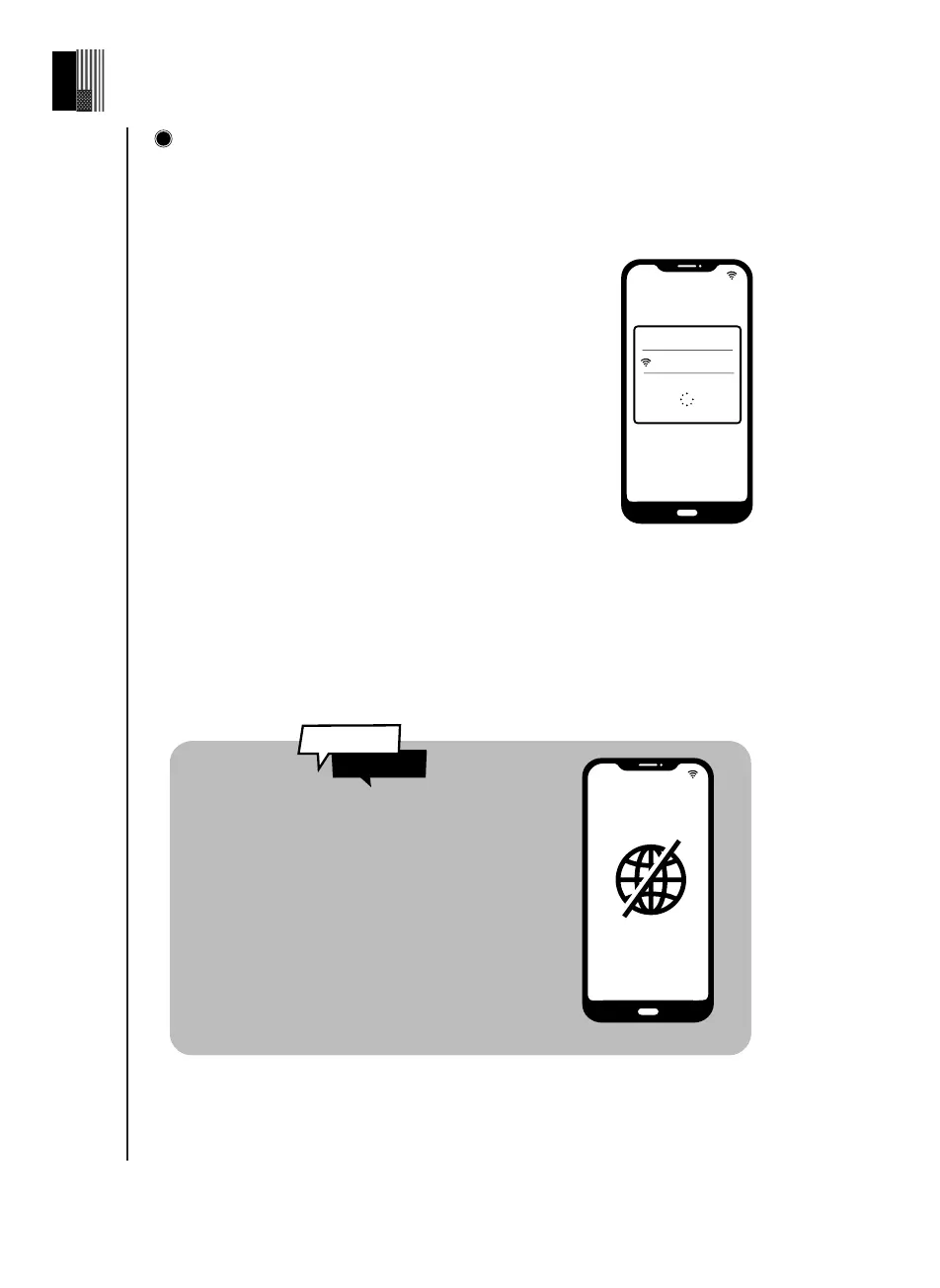
Connect your eVscope 2 to the Unistellar App, using WiFi
Launch the Unistellar App, and authorize the App to access your WiFi settings (or acti-
vate your WiFi on your device). The App will automatically detect your nearby eVscope
2.
Select your eVscope 2 from the list of network
You are connected to your eVscope 2
If the App fails to detect your eVscope 2, check
section 9 Troubleshooting.
eVscope2-xxxxxx
The eVscope 2 creates its own WiFi
network ; it doesn't use your home/
internet WiFi. No internet connection
is required to operate your eVscope 2.
Network found :
NO INTERNET
CONNECTION
3



 To Next Page