CONNECT
2.
Your eVscope/eQuinox
to the Unistellar App
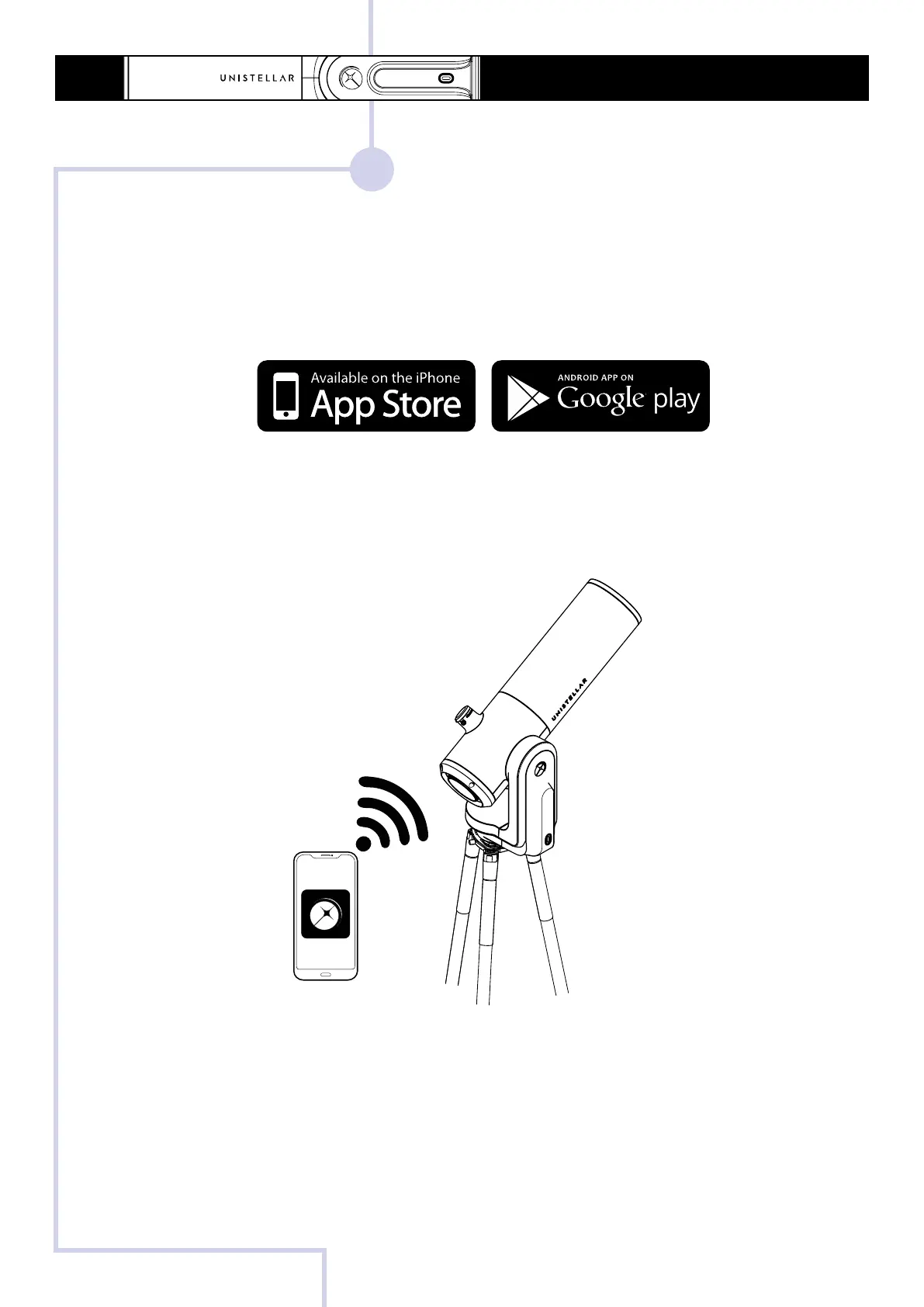
- Download the Unistellar App on the Google® Play Store and the Apple® App Store (on
smartphones or tablets) under the name Unistellar. The App enables you to wirelessly
control your eVscope/eQuinox with WiFi.
- Launch the Unistellar App to access your WiFi settings (or activate your WiFi on your de-
vice). The App will automatically detect your nearby instrument.
The App is not supported on FireOS devices. If you can’t download it on your smartphone,
check the operating system of your device.
3
QUICK START GUIDE - eVscope et eQuinox



 To Next Page