EA320 User’s Manual
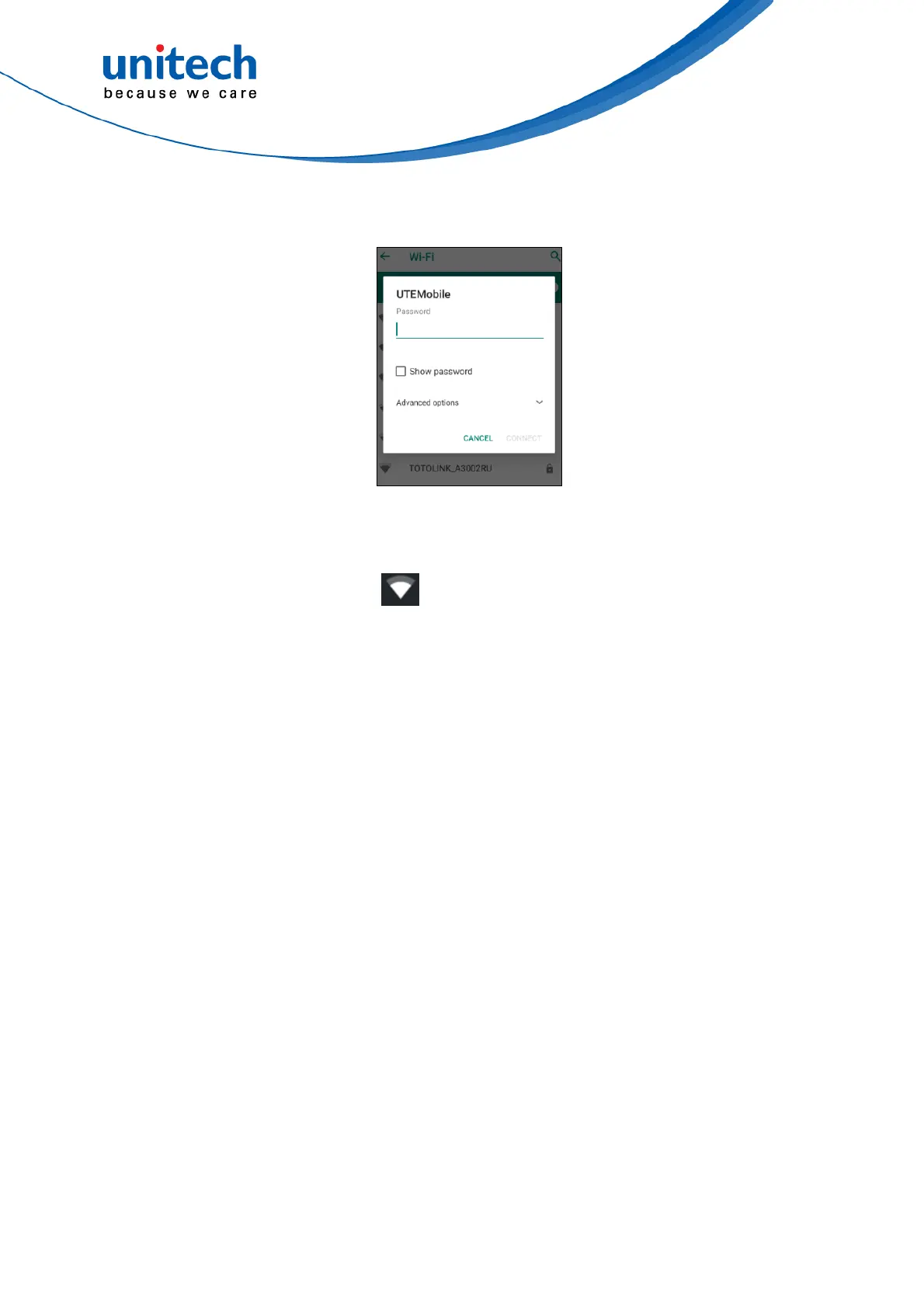
3. Choose the available networks, and enter the Password and tap Connect.
4. If the wireless network that you want is not listed, tap + Add network to
manually add it.
5. When enabled, the icon is displayed on the status bar.
20
© 2020 unitech Electronics Co., Ltd. All rights reserved.
unitech is a registered trademark of unitech Electronics Co., Ltd.
All product and company names are trademarks, service marks, or registered trademarks of their respective owners



 To Next Page