Quick guide
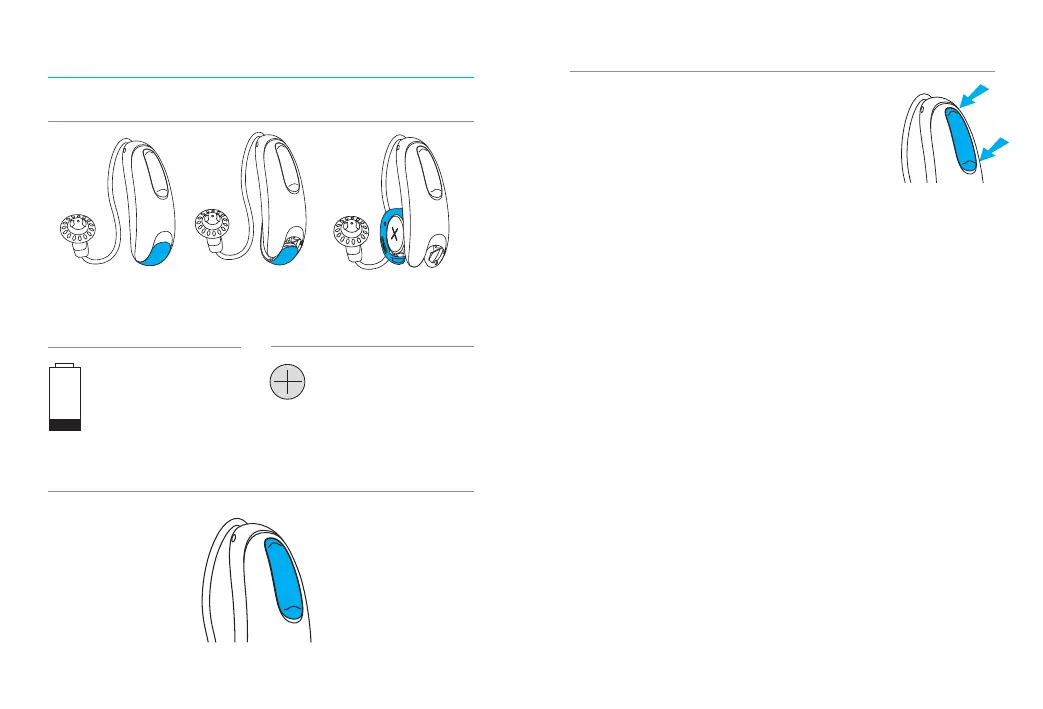
2 beeps every
30 minutes
Low battery warning
Battery size
312
On/O
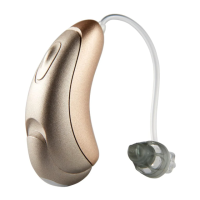
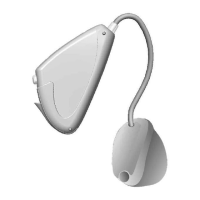
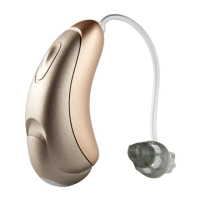
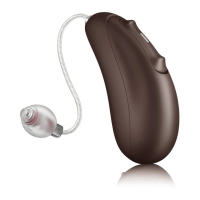
Multi-function button
On O Open
Multi-function button
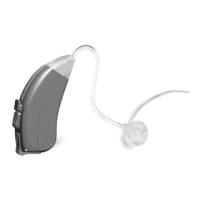
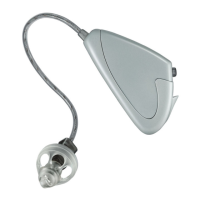
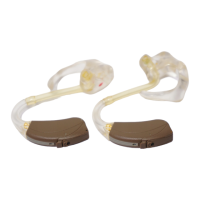
Your hearing aids come with a multi-
function button that allows you to
adjust them. The multi-function
button on your hearing aids can
be both a volume control and a
program control. You may also use the multi-
function button to accept and reject calls to
your paired mobile phone.
Phone calls: If paired with a Bluetooth®
enabled phone, a short press will accept
and a long press will reject an incoming call.
On/O: Close the battery door to turn on your
hearing aids, partly open the door to turn o
your hearing aids.
Enter ight mode: With hearing aid turned
o, hold down the lower push button on the
hearing aid while closing the battery door, and
keep the button pushed down for seconds.





 To Next Page