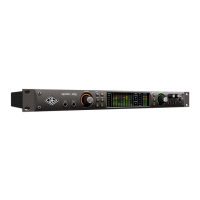
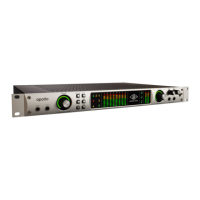
Apollo x6 Hardware Manual Front Panel 23
(25) Headphone Level Knobs 1 & 2
These knobs control the volume of Headphone Outputs 1 & 2 on the front panel. Each
headphone output has its own volume control.
(26) Headphone Outputs 1 & 2
These ¼” stereo TRS phone jacks are for stereo headphones. Headphone outputs 1 & 2
are individually addressable.
By default, both headphone outputs mirror the monitor outputs. When mirroring the
monitor outputs, the headphone outputs are unaffected by Monitor Mute (#23), to
facilitate recording/tracking with headphones while the monitor speakers are muted.
Unique mixes can be created for each headphone output using the CUE functions within
Console or by assigning mix buses from a DAW to the headphone outputs via the device
drivers.
(27) Power Switch
This switch applies power to Apollo x6. When the unit is powered on, the Universal Audio
logo (#1) is illuminated. The external power supply must be properly connected for this
switch to function.



 To Next Page