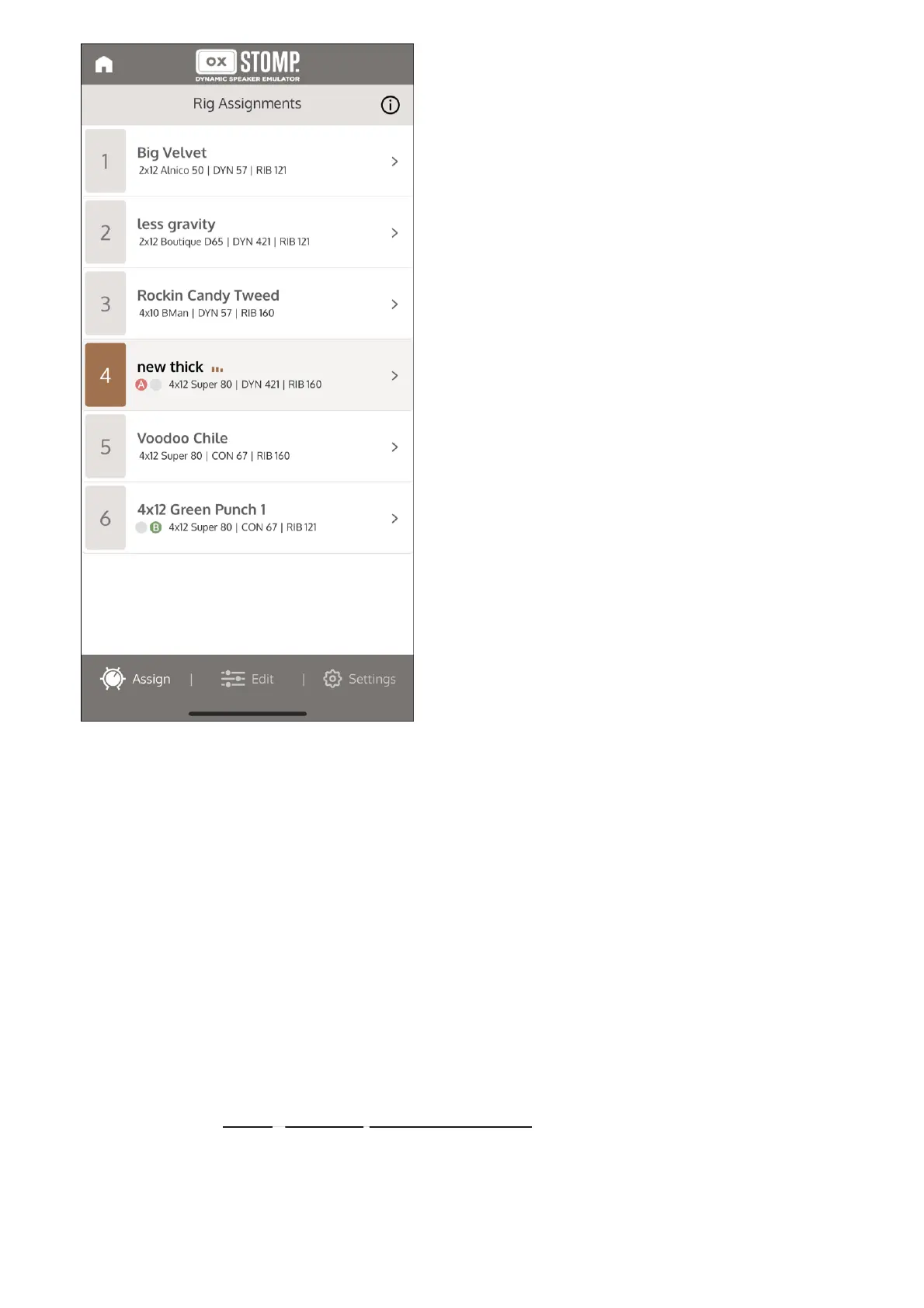
Assign a Rig to a footswitch
You can assign Rigs to footswitches in any of the Rig selection footswitch states. You cannot
assign a Rig to a footswitch in Delay | Reverb footswitch mode.
The Rig Assignments screen opens automatically when you open OX Stomp in UAFX
Control. If the Rig Assignments screen is not open, tap Assign at the bottom of the
screen.
1
Select the footswitch location to which you want to assign the Rig. You can do this by
tapping the footswitches on OX Stomp hardware until the correct color (red or green)
is lit. See Setting OX Stomp footswitch modes for more information.
2
On the Rig Assignments screen, tap the arrow to the right of the Rig name. The Rigs
screen opens.
3



 To Next Page