The current Rig footswitch assignment is indicated with an A/B/C/D icon under the rig name.
Saving Rigs
You can temporarily store Rig changes with the footswitches. You can permanently store Rigs
using the UAFX Control app. Rigs that are stored with the footswitches, but not permanently
saved, appear with the word EDITED in a brown highlight in UAFX Control. Rigs that are edited
with UAFX Control, and not saved, appear with the word EDITED in a red highlight.
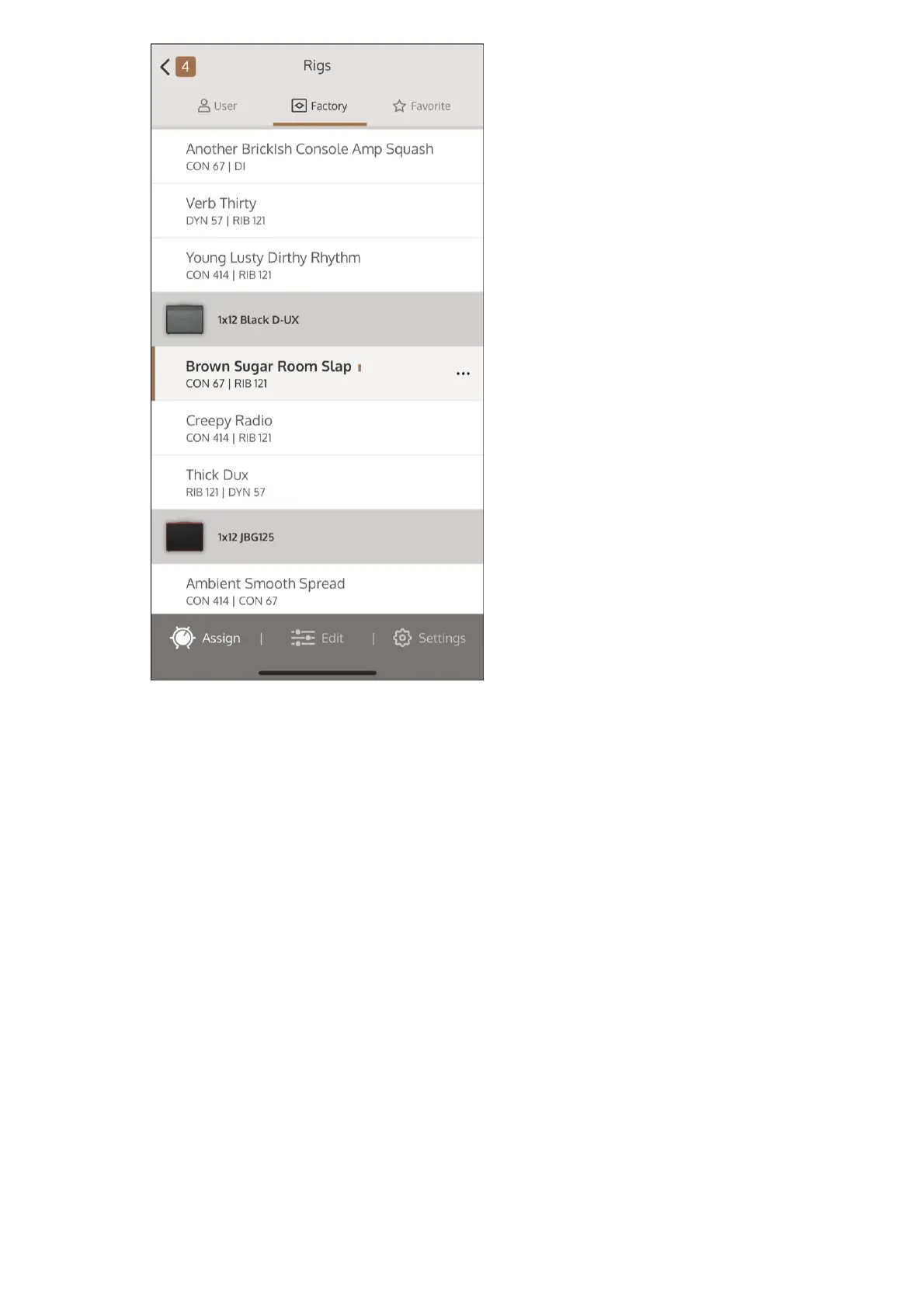
Select a Rig to assign to this footswitch location. Tap User, Factory, or Favorite to open
those lists.
4
Tap the Rig assignment number at the top left of the screen, or Assign at the bottom
left of the screen to return to the Rig Assignment screen.
5



 To Next Page