9
MUTE) while all the other buttons control other equipment.
You can also set up the remote to operate channel control and
transport functions (PLAY, STOP, REWIND, FAST
FORWARD, SKIP-, SKIP+, PAUSE and RECORD buttons)
from VCR, DVD, DVR, LD, CD or any other mode while all
other buttons in the remote control are controlling other
components. Please refer to page 32 in the manual for details.
G. Editing LCD Text
You can write your own text on each of the twenty-six
LCD screens. Please refer to page 39 in the manual for
details.
H. Cloning The MX-500
TM
The MX-500
TM
is capable of sending all the programmed
codes and operations from one MX-500
TM
to another
MX-500
TM
. Please refer to page 43 in the manual for
details.
I. All Other Operations
You can set the duration of the backlight on time and
change the LCD screen contrast. Please refer to pages 42
and 44 in the manual for additional details.
Note: The last Device selected will remain active when you
are on the MAIN page and will be shown at the bottom of
the LCD screen. For example, if you are using “TV” and
then return to the MAIN page, the hard buttons remain in
TV mode. The LCD buttons only change when you select
another device.
3. Summary of Operations

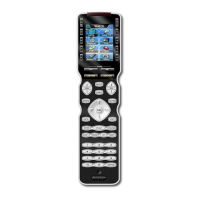




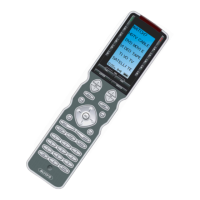
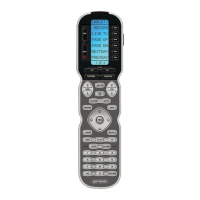

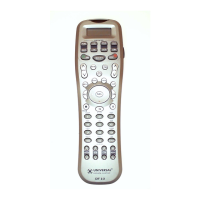


 To Next Page