10
3. Summary of Operations
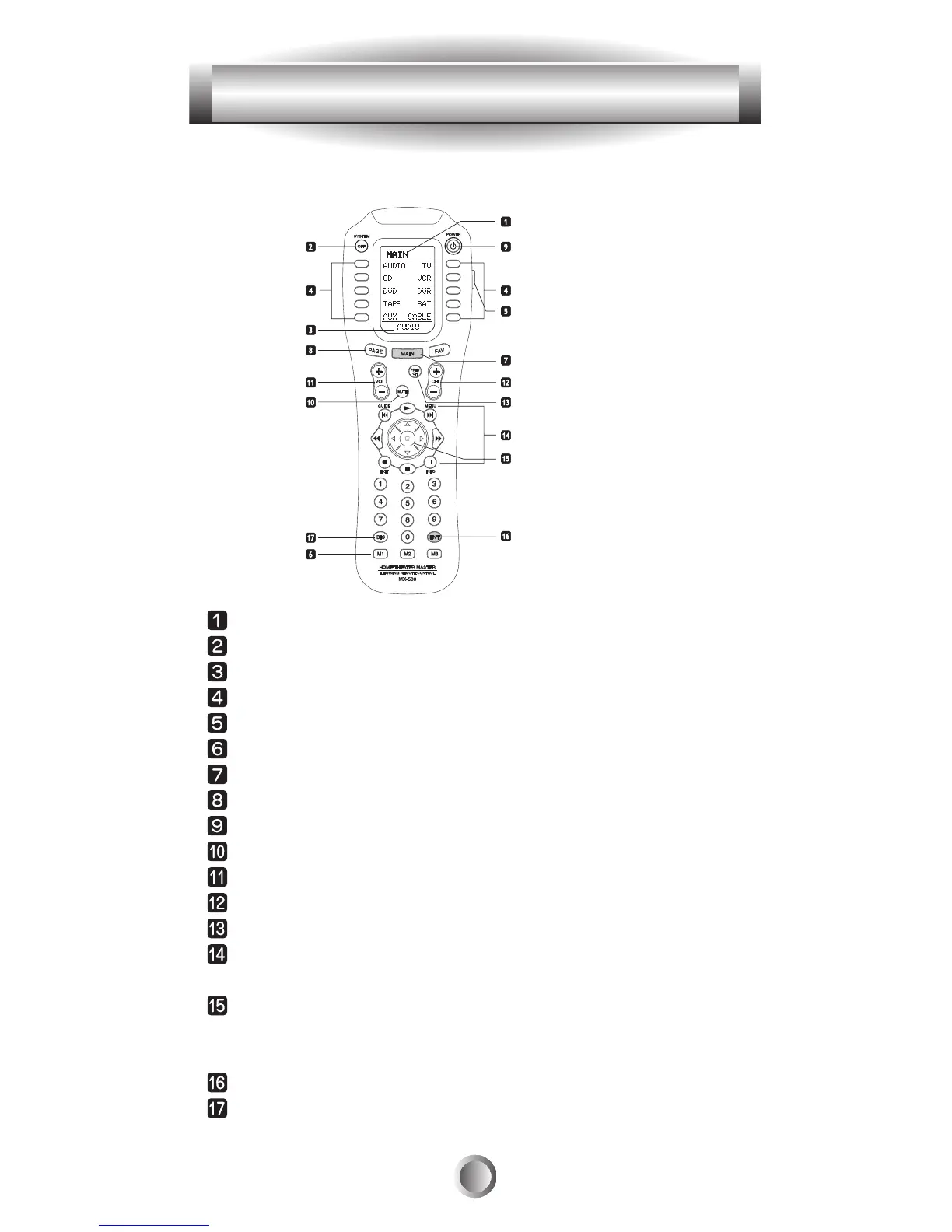
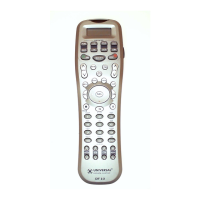
J. LCD Screen And Button Layout
Displays the name of the device selected.
System off (Power off)
Displays page number.
Displays the device and function names.
LIGHT button.
MACRO buttons.
MAIN DEVICE menu button.
LCD Page change button.
POWER
MUTE
VOLUME
CHANNEL
Previous channel button.
TRANSPORT functions(PLAY, STOP, REWIND and FF)
for VCR, DVR, CD and DVD etc.
JOYSTICK button(UP, DOWN, LEFT, RIGHT and ENTER)
to move the cursor and enter the selection by pushing down
the joystick in the center. Also called THUMBPAD.
ENTER
DISPLAY








 To Next Page