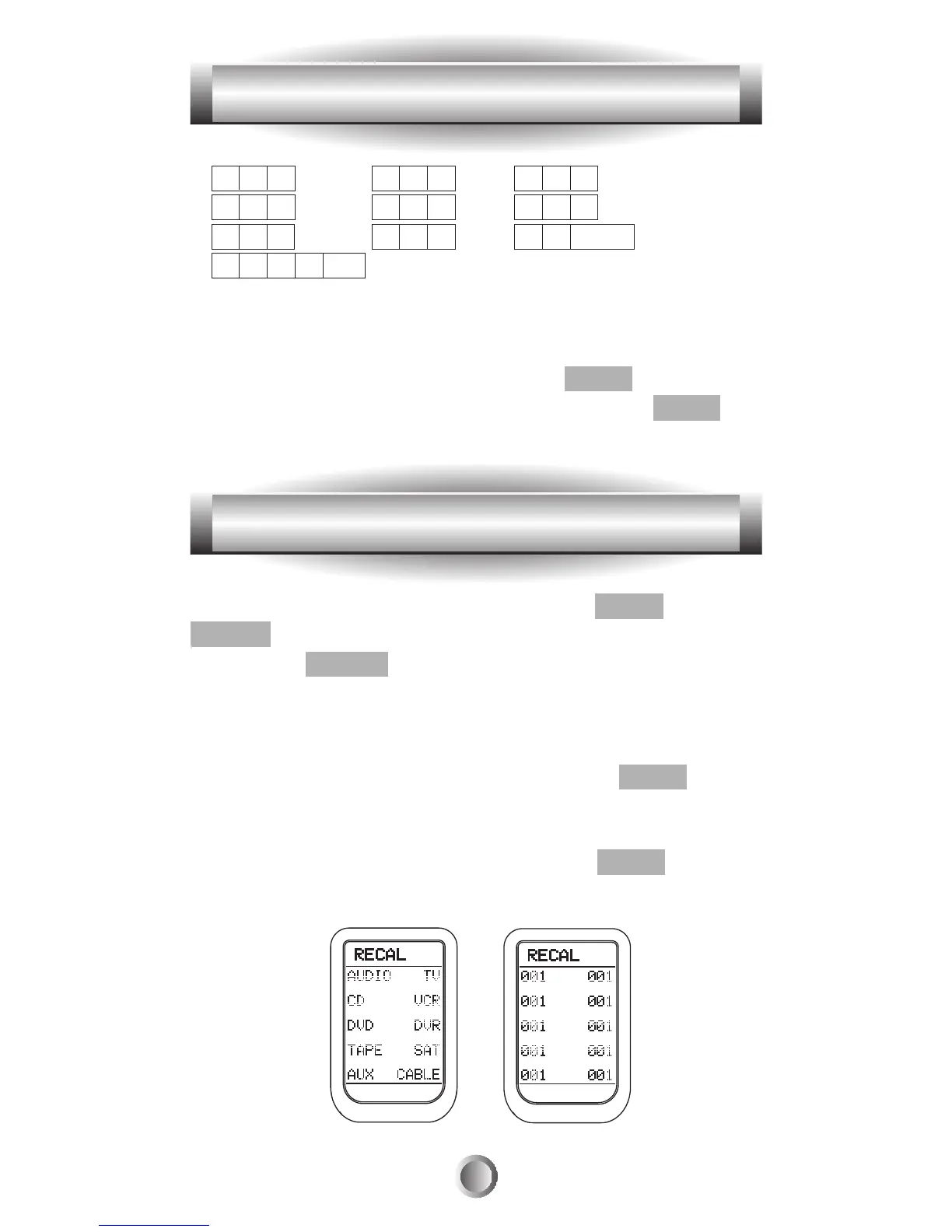
1. A B C 2. D E F 3. G H I
4. J K L 5. M N O 6. P Q R
7. S T U 8. V W X 9. Y Z Blank
0. + - <>etc
5. Save the text you completed by pressing the same
function button you selected in step 4.
6. Exit from Edit mode by pressing the MAIN button and
then exit from the SETUP mode by pressing the MAIN
button once again.
1. Go to the SETUP mode by pressing the MAIN and
ENTER buttons simultaneously for three seconds.
2. Press the RECAL button next to the LCD screen.
3. The LCD display will alternately flash device names and
the three-digit code number assigned to the device for 10
seconds and then exit to the SETUP mode.
4. Before the 10 seconds are up, pressing the MAIN button
on the remote will stop the flashing and exit to the SETUP
mode.
5. Exit from SETUP mode by pressing the MAIN button
once again.
41
9. LCD Button Editing
10. Recalling the Preprogrammed Three-Digit Number








 To Next Page