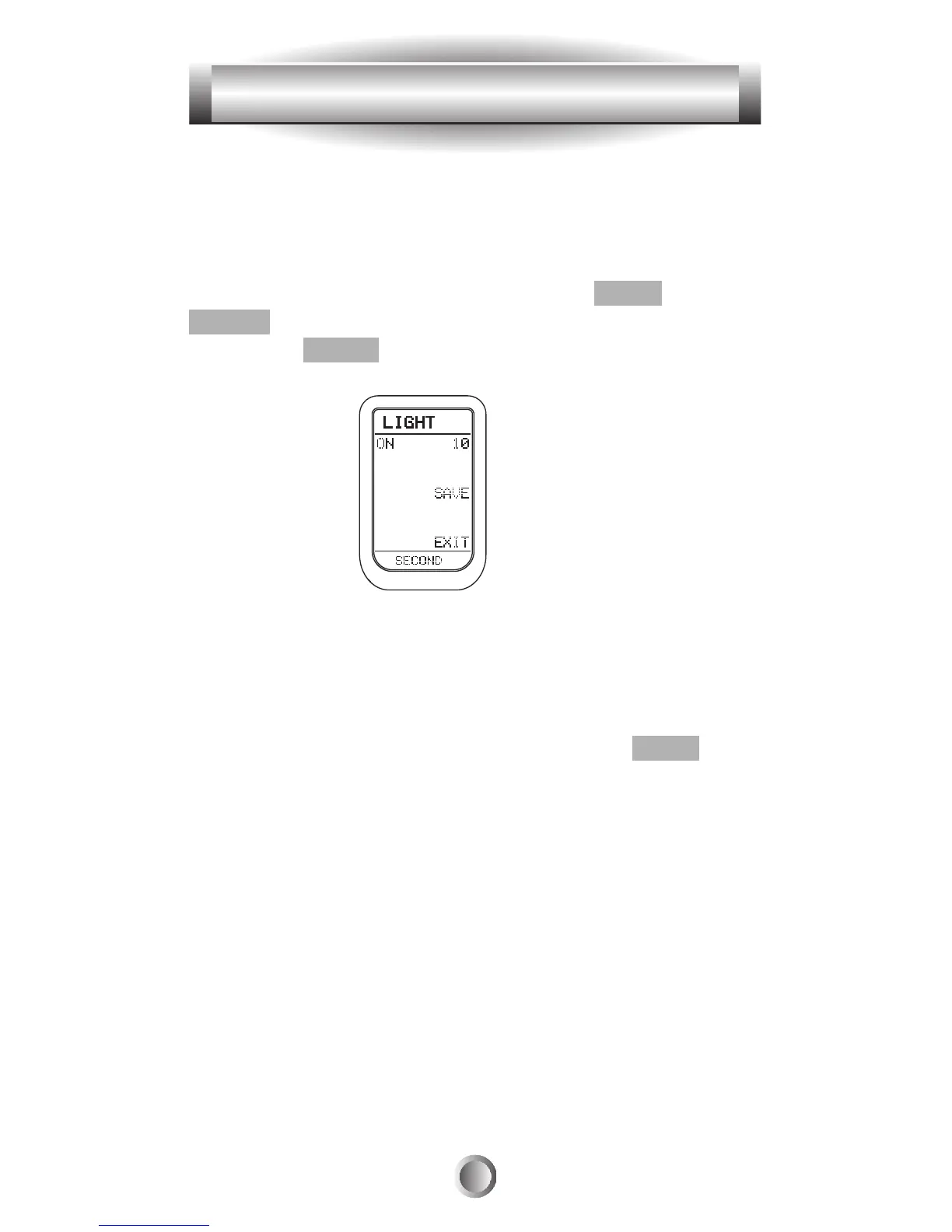
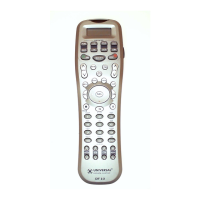
The Backlight can be toggled On and Off just by pushing
the LIGHT button on the top right side of the remote. It can
also be set to go off at a predetermined time, as shown
below.
1. Go to the SETUP mode by pressing the MAIN and
ENTER buttons simultaneously for three seconds.
2. Press the LIGHT button next to the LCD screen.
3. Using the number pad buttons, enter the desired
backlight time (in seconds). It can go up to 99 seconds.
Save the time by pressing the button at the right side of the
time you just assigned.
4. Exit from the SETUP mode by pressing the MAIN
button.
Tip: Note that the time you've entered in SETUP for the
Backlight to go off is extended each time you push a button.
So the light will go off at the predetermined interval
AFTER you have pushed the last button on the remote.
42
11. Setting Backlight








 To Next Page