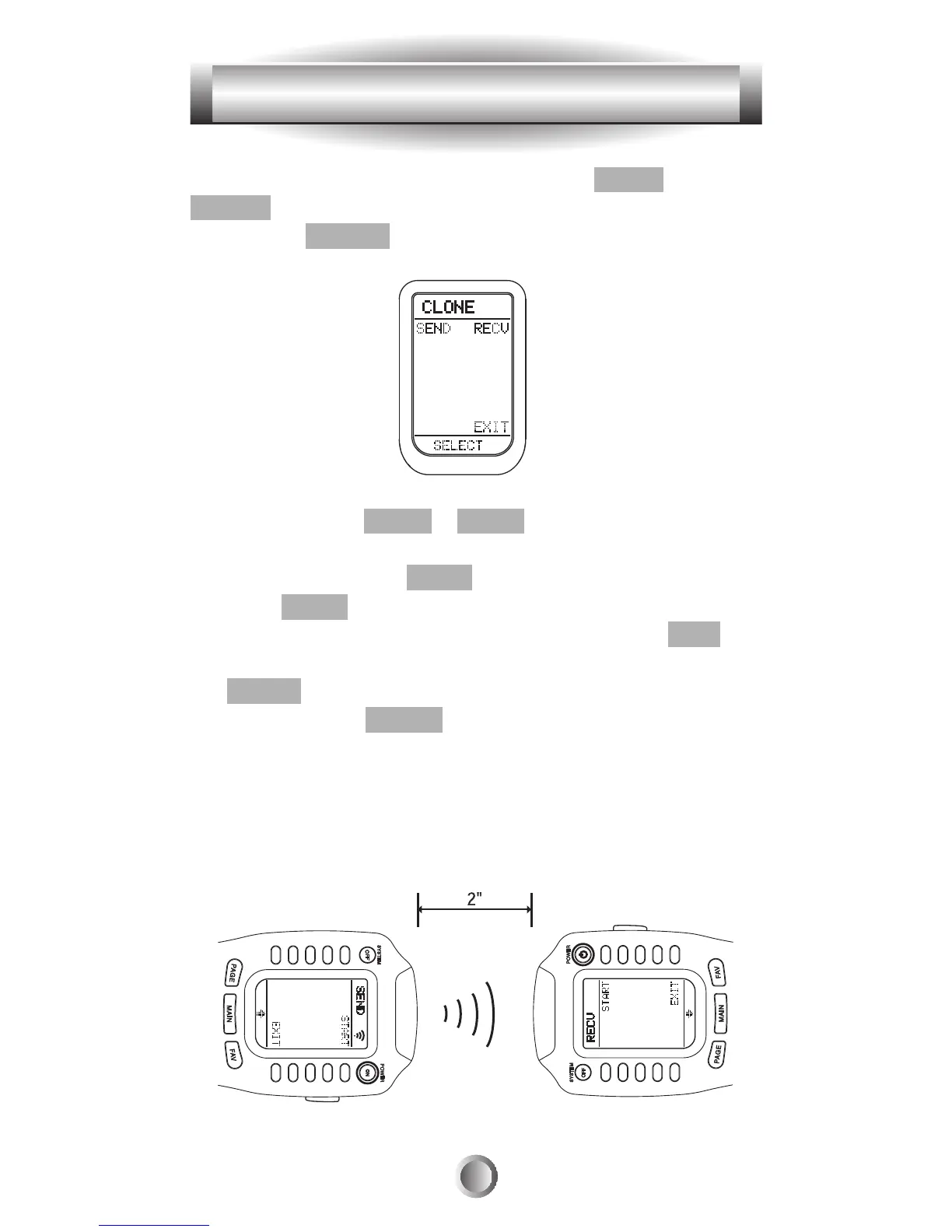
1. Go to the SETUP mode by pressing the MAIN and
ENTER buttons simultaneously for three seconds.
2. Press the CLONE button next to the LCD screen.
3. Press either the SEND or RECV button depending upon
the role of the remote control. If the MX-500
TM
is to be
copied from, press the SEND button. If it is to be copied to,
press the RECV button.
4. If you wish to clone the entire device, press the ALL
button. If you wish to clone only one device at a time, press
the DEVIC button.
5. If you press the DEVIC button, it will show all the
devices. Press the device button you wish to clone.
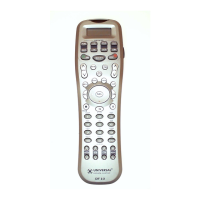
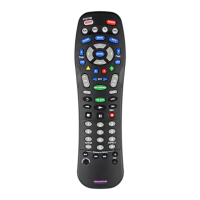
6. Set the MX-500
TM
head to head with another MX-500
TM
to be cloned from as shown below. Each unit should be in
either cloning from or cloning to mode based on the above
steps.
43
12. Cloning MX-500™








 To Next Page