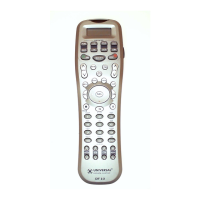
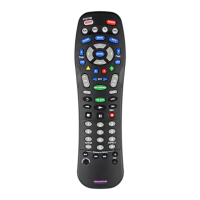
7. Press the START button on both units to begin cloning.
It will take about 40 seconds to complete the cloning and it
will flash “ GOOD” upon completion of the cloning.
8. Exit from the Cloning mode by pressing the MAIN
button and then exit from the SETUP mode by pressing the
MAIN button once again.
Pressing the MAIN button and Up on the joystick
simultaneously will make the LCD contrast darker and
pressing the MAIN button and Down on the joystick
simultaneously will make the LCD contrast brighter.
44
12. Cloning MX-500™
13. Adjustment of LCD Contrast








 To Next Page