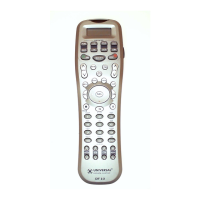
Please note the LCD screen is breakable glass. Please
exercise the following precautions when using the
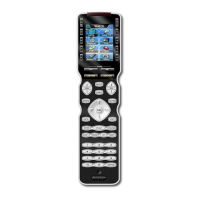
MX-500
TM
:
●
Do not tap the LCD screen to active devices. Use the
rubber buttons beside the labels on the screen.
●
Keep the LCD screen dry. Wipe off any spill immediately.
The MX-500
TM
is not waterproof. Never immerse it in
water.
●
Don't expose the MX-500
TM
to extreme temperatures.
Keep it away from any heat sources.
●
Avoid dropping the remote control.
●
Clean the LCD screen with a soft cloth. Never use
abrasives or cleaning solutions on the soft cloth.
If the batteries are running low, the LCD displays “ LOW
BATTERY” whenever you press the POWER button or
you press the MAIN and ENTER button simultaneously.
45
14. Caution On Handling LCD Screen
15. Low Battery Message








 To Next Page