9 10
Pre-Programmed Code Method
BASIC SETUP
Pre-Programmed Code Method
BASIC SETUP
STEP 4:
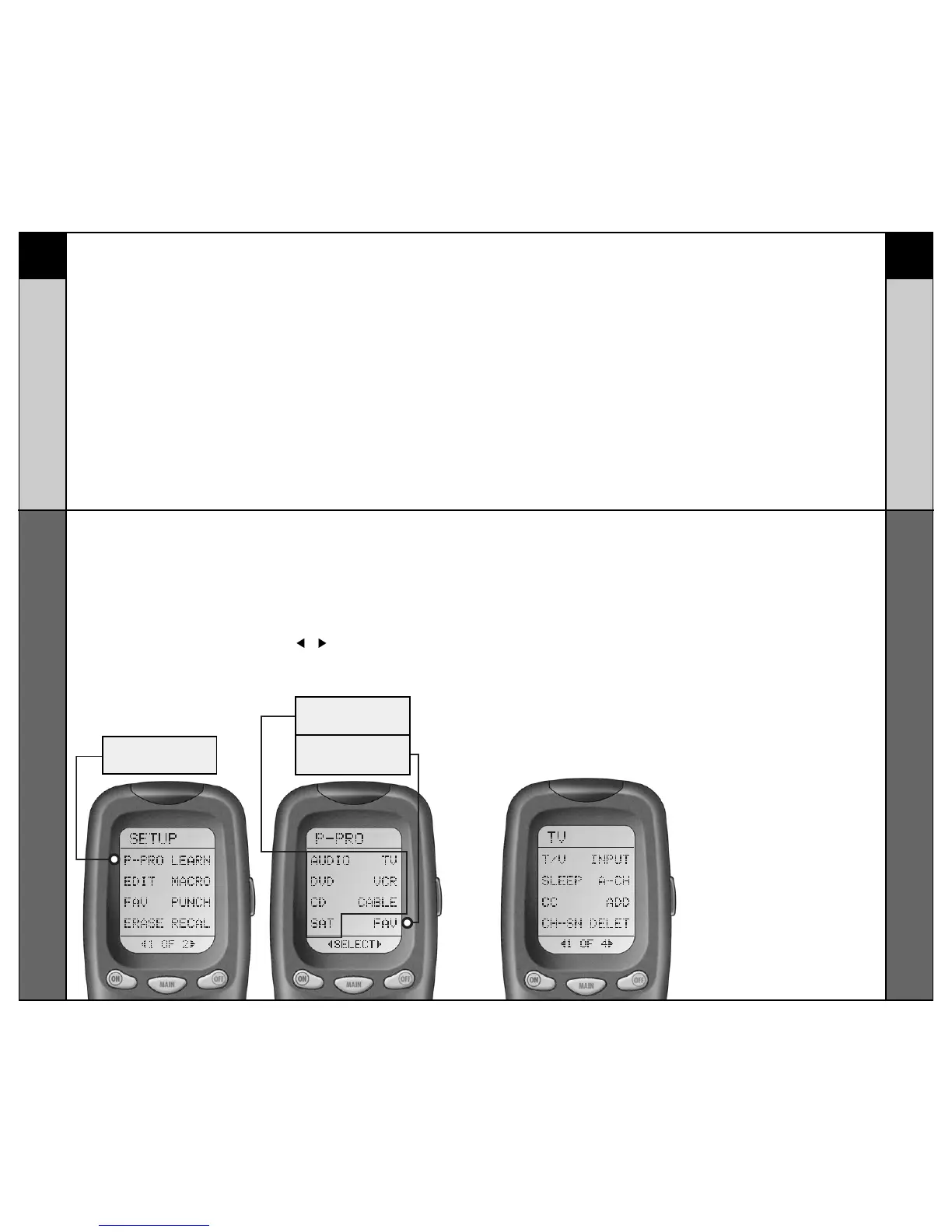
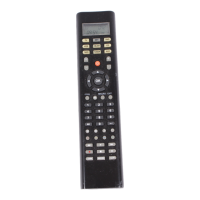
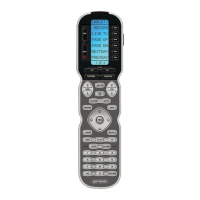
Press the P-PRO button to select
the Pre-Programmed Method.
The screen will then display the
seven Components (and FAV) on
Page 1 of the MAIN menu.
To display Page 2 of the MAIN
menu that lists an additional
eight Components, simply press
the ( or ) Page buttons at the
bottom of the screen.
STEP 5:
Press the Component button
you want to program. For
example: If you want to setup
the TV Component button,
press the TV Component but-
ton. The display at the bottom
of the LCD screen will flash
“FROM - TABLE”.
STEP 6:
In this step you verify the type
of component you plan to
operate with this component
button. For example: If you plan
to operate the TV component
with the TV button, simply press
the TV button once again.
However, if for example you are
setting up AUX to operate a
second DVD Player, you would
first need to press AUX in Step
5, and then DVD in Step 6.
DEVICES
FAV
BUTTON
P-PRO
BUTTON



 To Next Page