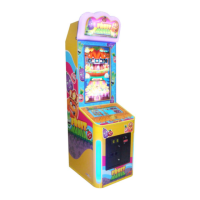
Fruit Mania Operation Manual
15
7. ERROR MESSAGE AND RECOVERY
7.1 Error Message
Symptom: Screen displays message “Communication ERROR” (there is
communication problem with the game)
Possible Causes & Fixes:
• Communication data wire is damaged Æ Replace the data wire.
• SCM is not working Æ Ask your technician to check and repair
• PC COM port has been used Æ Ask your technician to check and repair
Symptom: Screen displays ““PLEASE CALL ATTENDENT”, “TICKET ERROR” (there is
problem in the ticket payout function)
Possible Causes & Fixes:
No tickets in the game Æ Replenish tickets and then press the TICKET RESET
button.
Ticket dispenser is damaged Æ Replace with a new ticket dispenser.
Faulty connection Æ Ask the technician to check and repair.
7.2 System Recovery Operation
1. Turn off the game. Insert the
memory stick into the USB port at
the back of the computer.
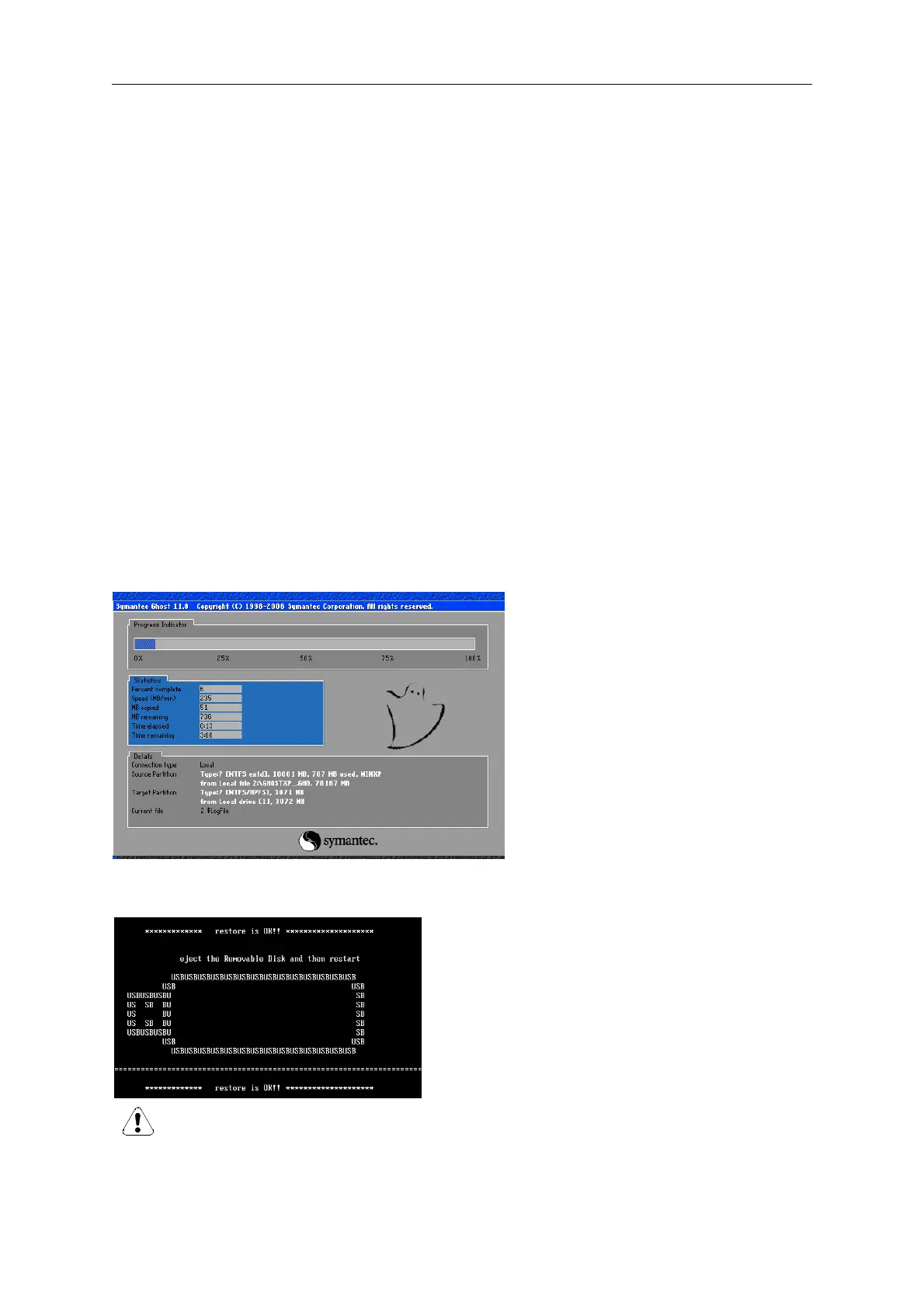
2. Restart PC to enter the system
recovery screen as shown.
3. The game will automatically start
recovery which will last about 5
minutes.
Please wait until process is
complete.
Please wait until process is complete.
WARNING: the USB flash drive should only be used to fix software errors. Using it
for other purposes may cause unexpected results and damages.
4. Once system recovery is finished (as shown on
the left), remove the USB flash drive from the
computer and turn off the PC. Wait at least 30
seconds before restarting the PC.



 To Next Page