Lane Master Manual
07/19/2017
22
6. GAME OPTION
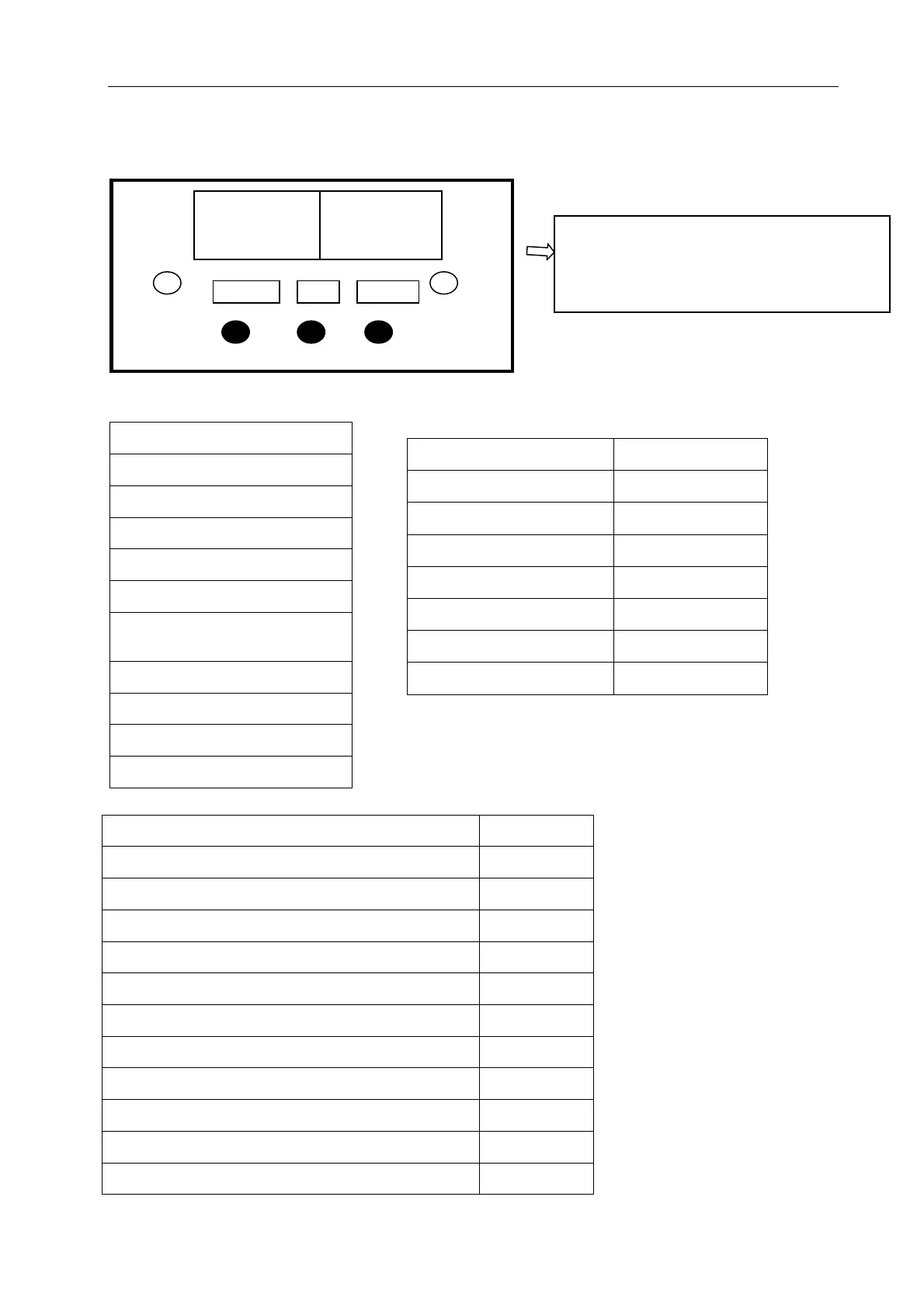
6.1 Adjustment button instruction
6.2 Setting menu
6.2.1 Main menu
Basic Setting
Customized Setting
Input Test
Output Test
Game Reset
Date/Time Setting
Language/语言
About This Game
Bookkeeping
DailyRecord
Back to game
6.2.3 Customized Setting
Regulation Mode OFF/ON
Link Mode OFF/ON
Alternating Ball Color OFF/ON
Number of Games Frame 1- 10
Pin(s) Hit Per Ticket 1-999
Multiplayer Join Time 5-10-15-20
Number Of Strike(s) To Enter the Mega Bonus
1-3
Mega Bonus Game OFF/ON
Mega Pins Set 10~100
Each Mega Pin Score
1-10
Go Back&Save
Back
Free Play OFF/ON
Tickets Out OFF/ON
Demo Music OFF/ON
Memory Save OFF/ON
Volume 1-10
Coins Per Game 1-10
Go Back & Save
Back
6.2.2 Basic Setting
Open the coin door and there is a
meter panel. Press test button to get
into the setting menu.
Settin
s
Test Reset











 To Next Page