Need help?
Do you have a question about the Uniz IBEE and is the answer not in the manual?
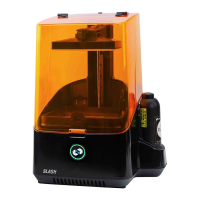
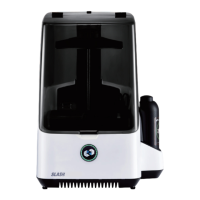
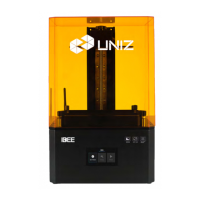
Overview of the IBEE 3D printer components and their visual representation.
Instructions for safely unpacking the IBEE 3D printer from its packaging.
Guide to downloading and installing the necessary UNIZ Maker software for the printer.
Explanation of the main screen and its three core functions: Settings, Tools, and Print.
Details on accessing and configuring printer settings, including network setup (LAN/WIFI).
Procedures for upgrading firmware and performing factory resets on the IBEE printer.
Steps to log in and register the printer to the UNIZ cloud for remote monitoring.
Overview of the 'Tools' menu, including options like LCD Test and Exposure Cleaning.
Procedure for cleaning the resin tank using exposure, especially after failed prints.
How to use the motor control feature to manually adjust the build platform's position.
Instructions on how to select and start a print job using a USB disk.
Functionality to reprint previously printed models from the 'MOST RECENT' list.
Explains indicator lights on the interface and their meanings during operation.
Guidelines for stable printer placement and achieving proper leveling for consistent results.
Step-by-step process for attaching and detaching the build platform from the printer.
How to sand the build platform surface to improve model adhesion and reduce print failures.
Detailed steps to reset the printer's Z-axis zero position and level the build platform.
Instructions for cleaning the build platform after failed prints to prevent damage.
Information on the resin tank's importance and the procedures for installing it.
Methods for cleaning residues from the resin tank to maintain print quality.
Step-by-step guide on how to replace the film in the resin tank for optimal performance.
Procedure for cleaning the printer's air filter to ensure proper ventilation and longevity.
 General
| Brand | Uniz |
|---|---|
| Model | IBEE |
| Category | 3D Printers |
| Language | English |

 To Next Page