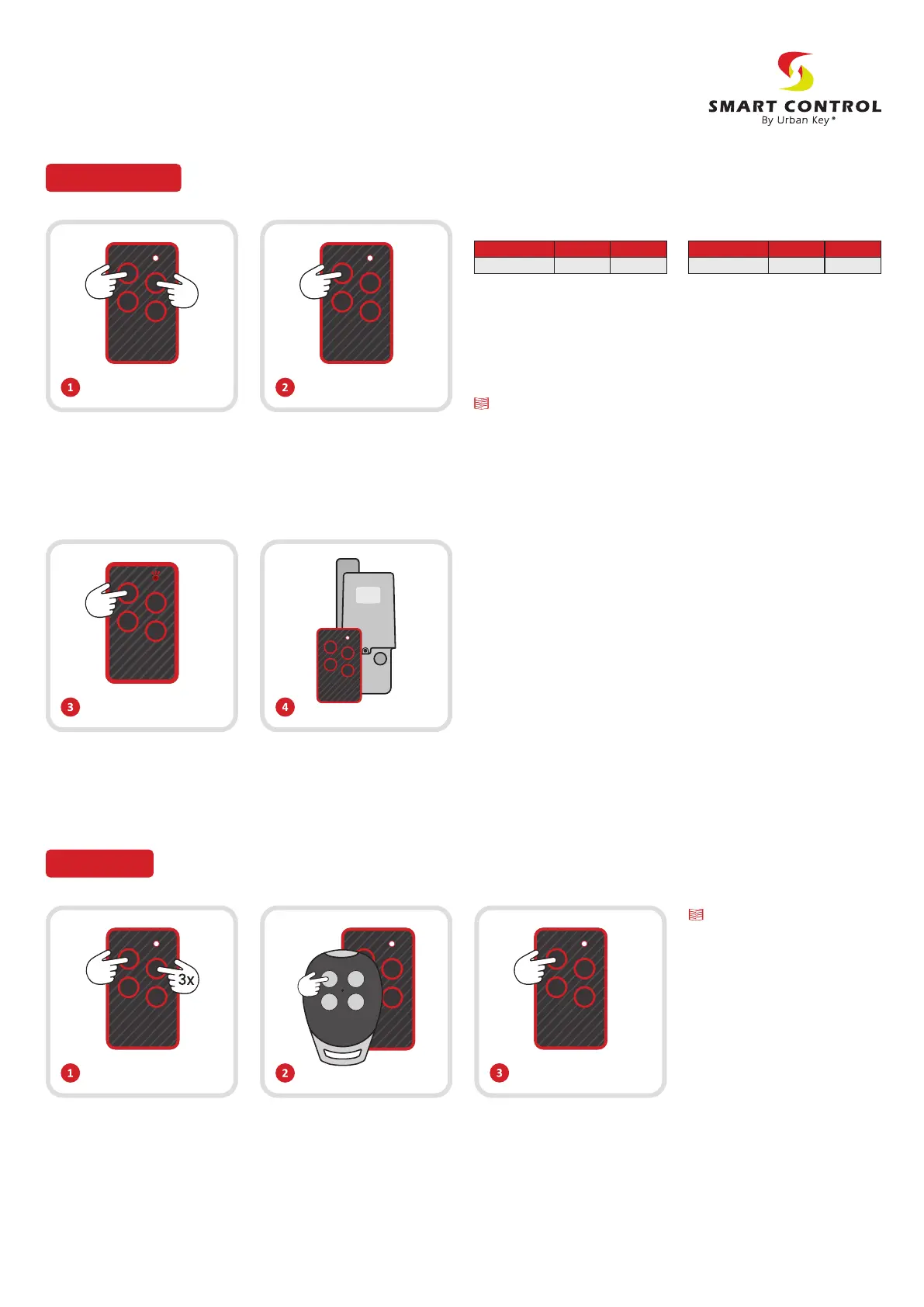
Press the buons 1 and 2 of the
ONEPRO simultaneously unl
the LED starts blinking, let go
the buons and the LED will
turn o.
Press and keep pressing the
buon 1 of the remote, and
then press 3 mes the buon 2.
The LED will blink slowly, let go
the buons.
To finalize the process, press
and let go the buon where
you want to insert the chosen
brand. The LED should fix and
turn o.
Press the buons according to
the code associated with the
brand you want to generate.
(See exemples 1 and 2)
At a distance of 1 cm press
the buon of the original
remote you want to copy. If the
ONEPRO LED starts blinking
fast, it means that the copy was
made successfully, you can let
go the buons.
While the ONEPRO LED blinks,
press the buon that you want
to save the code.
The LED will blink and turn
o, meaning the copy was
concluded.
Generate codes
Direct copy
Exemple 1:
The buon 1 should be press 4
consecuve mes.
Brand
APRIMATIC
Frequency
433 MHz1 1 1 1
Code
(Buons to press)
Exemple 2:
First press the buon 1, then the
buon 2,now press the buon
4 and press the buon 2 again.
Aer you dialled the code, the
LED will blink fast, waing for you
to select a buon to program.
Brand
AUTOMAT-EASY
Frequency
433 MHz1 2 4 2
Code
(Buons to press)
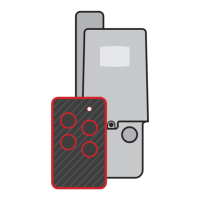
Program the remote on the
receiver following the brand
procedures.
Special Funcones
The ONEPRO remote allows to easily idenfy a pre-programmed
brands.
To do that, you need to follow the following steps:
1 — Press simultaneously the buons 3 and 4 unl the LED starts
blinking, then you should let go the buons and the LED will turn o.
2 — To idenfy the brand/code pre-programmed in the remote, press
the buon you already programmed.
The amount of mes the LED blinks will corresponde to the 4 digit code
associated with the brand. The LED will blink 4 separate mes, the
amount of mes the LED turns on and o will correspond to a number
associated with the brand codes shown in the table on the back.
In case of a direct copy (fixed code) the ONEPRO will blink 4 sequences
of 4 blinks each.
On a BFT remote to transmit the hidden code, press the buons 1 and
4 simultaneously unl the LED of the ONEPRO starts blinking.
Now open the receiver programming and press the buon where you
previously inserted the code (the LED of the receiver will fix)
Wait unl the LED of the ONEPRO turns o e press again the same
buon to finalize the programming (the LED of the receiver will blink
fast and then turn o).
To program other buons just
repeat the same steps.
On the second step, if the LED
blinks only 3 mes and turns o, it
means that the code wasn’t
copied properly.
It is possible to programme
dierent buons with dierent
brands and frequences.
Notes:
Notes:
User Manual
ONEPRO


 To Next Page
 Loading...