_ 17
07
Installation
1
2
3
4
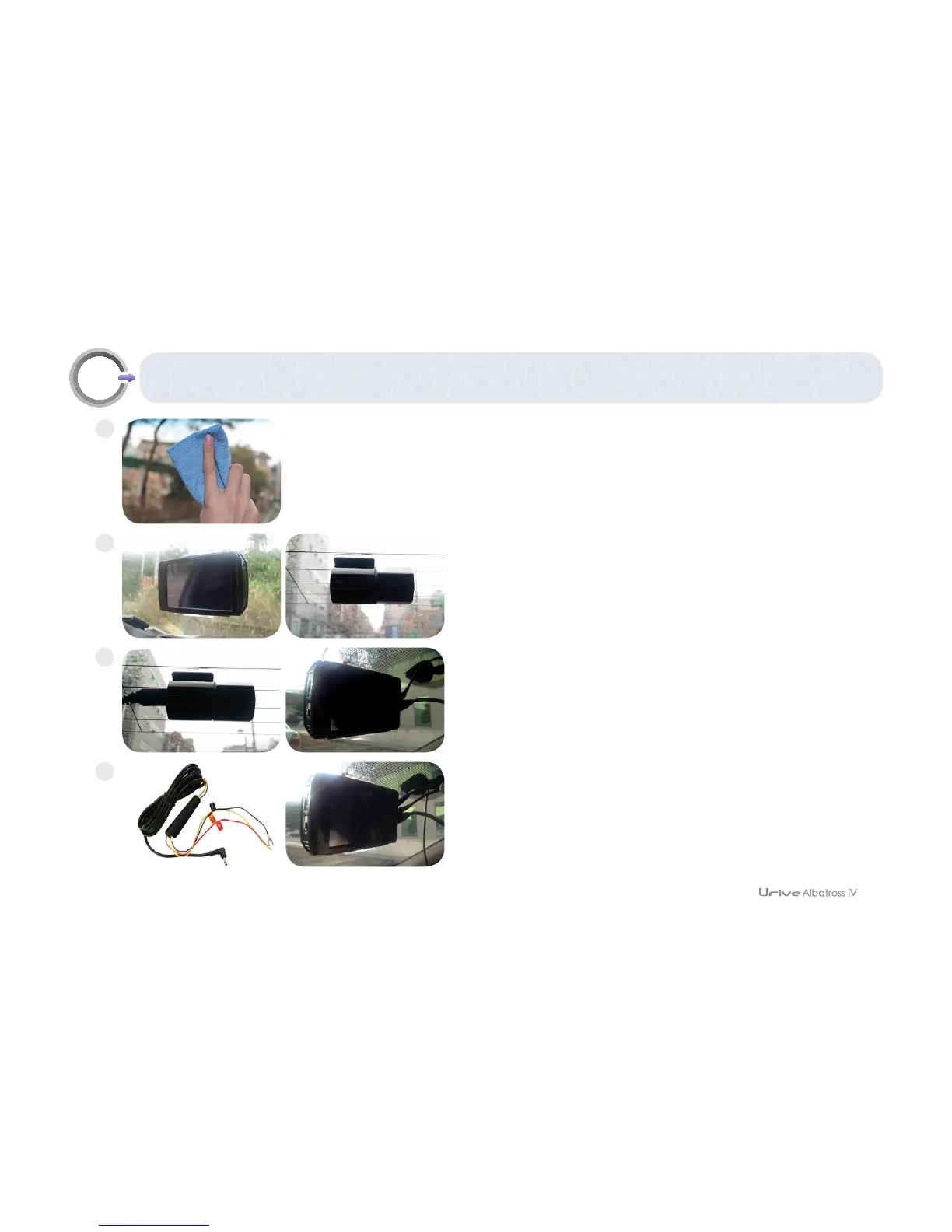
Clean the sections to install front and rear cameras.
Attach the body and rear camera as you desire.
▪FortheADAS,pleaseinstallthemaindevicetofitthetopcenter(beneathof
theroommirror)ofthefrontglass(lessthan15cm).(referto“07.installation–
ADAScameras)
Connect the cable to the rear camera and external GPS without
the power cable connected.
Connect the power to a fuse box, and power cable to the body.
▪Youareadvisedtohaveconstantpowersupplyconnectedfromoneofour
professionalpartners.
- Black line
: GND, (ex) Chassis
- Yellow line
: ACC, (ex) Fuse of cigar jack
- Red line
: BAT(B+), (ex) Emergency light



 To Next Page