_ 31
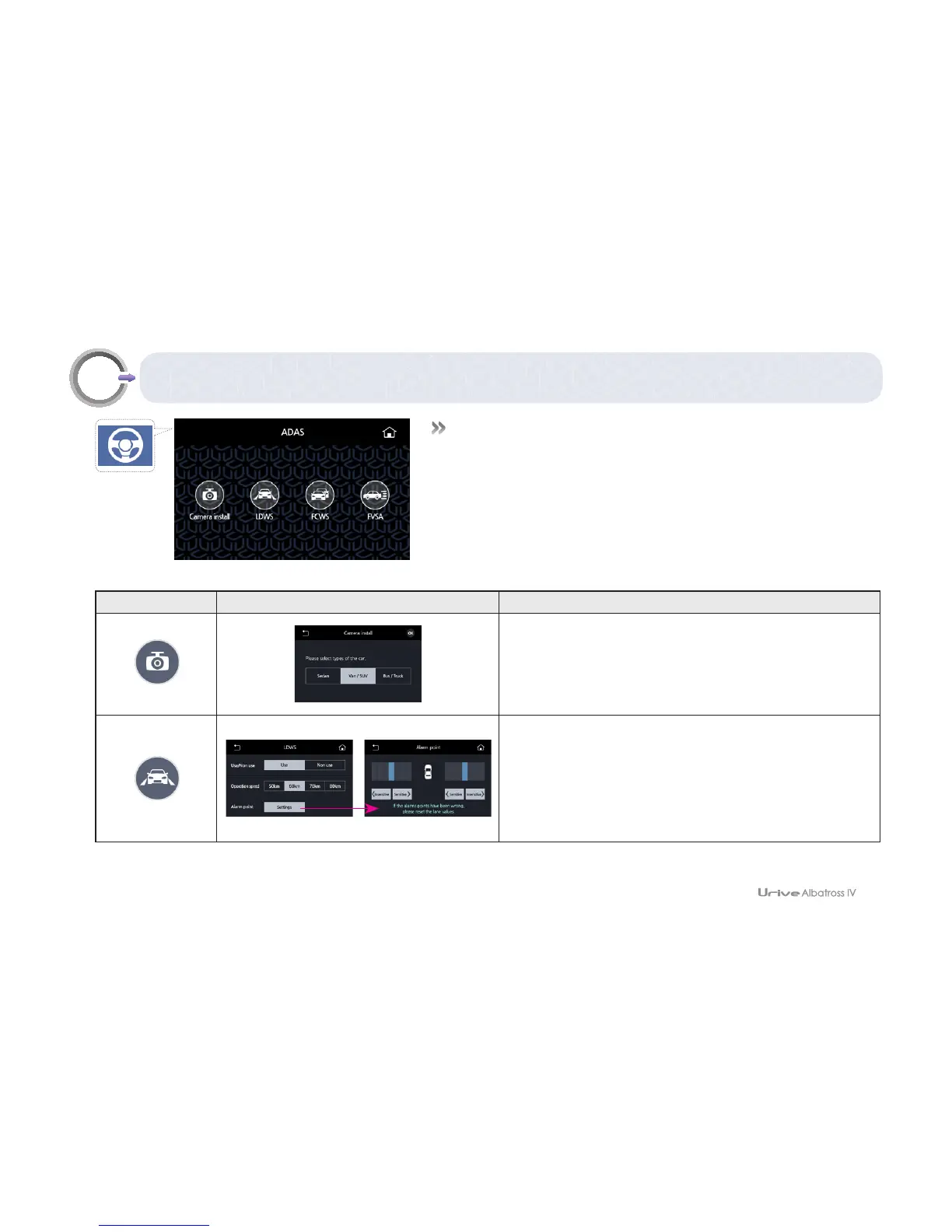
GUI – ADAS
09
Icon Image Meaning
Camera install
This menu installs a camera to use the ADAS.
For the installation method, see “07. Product
installation – Installation of a camera with the ADAS."
LDWS
This menu changes the setting of LDWS. You can
set whether to use LDWS or the start speed for the
operation of LDWS. Move to the warning time-setting
menu, and set the sensitivity on the left/right lane.
# To use ADAS, you can set the camera installation, LDWS, FCWS,
and FVSA.



 To Next Page