_ 38
Icon Detail Meaning
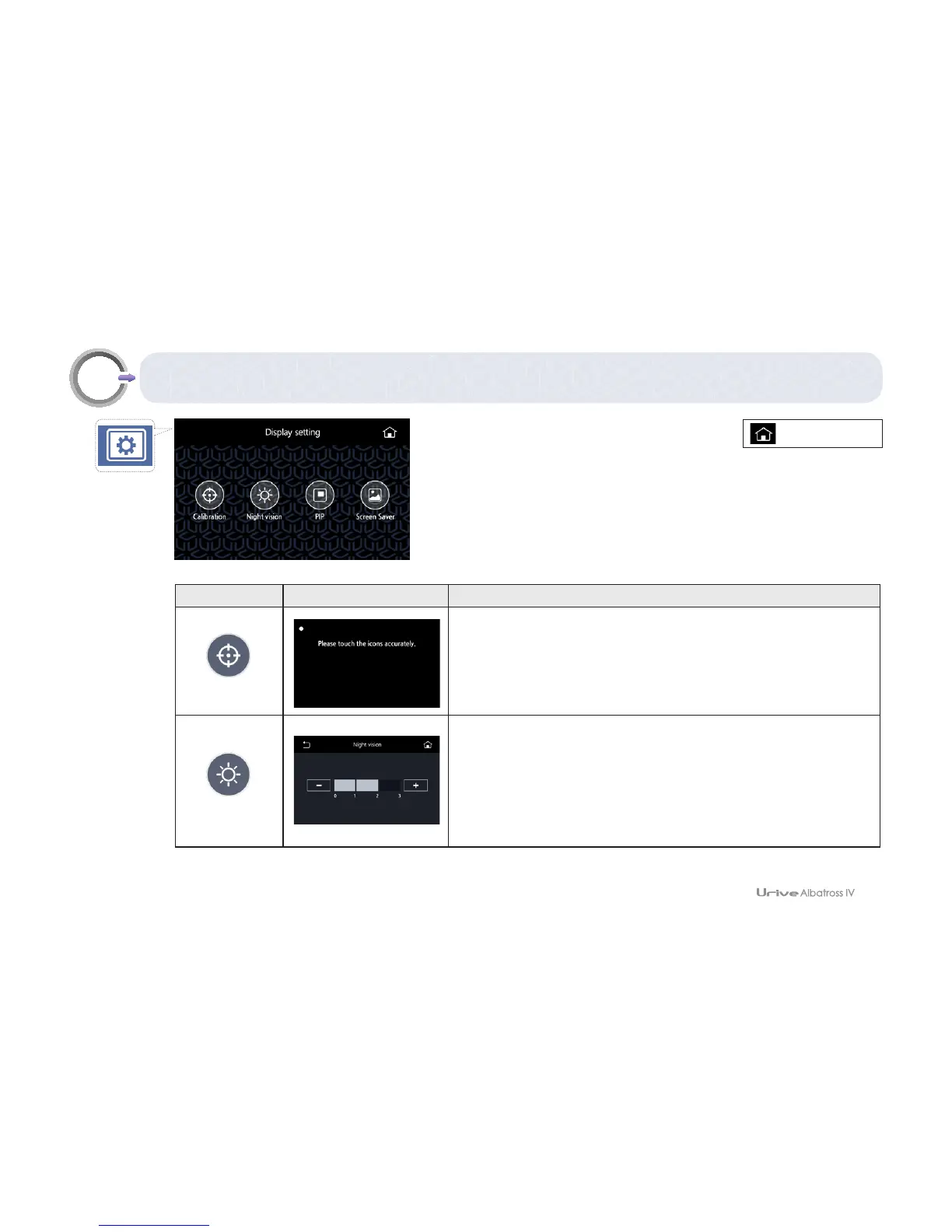
Coordinate correction
Touch 5 points (upper left, upper right, lower right, lower left,
and center) on the display to correct them.
Night vision
If the surroundings become dark, this function automatically
recognizes the darkness and the night vision function is
activated. Brighter video is recorded. Brightness can be
adjusted in four stages.
09
GUI – Display settings
[Real-time view]



 To Next Page