_ 45
PC Viewer – Buttons
11
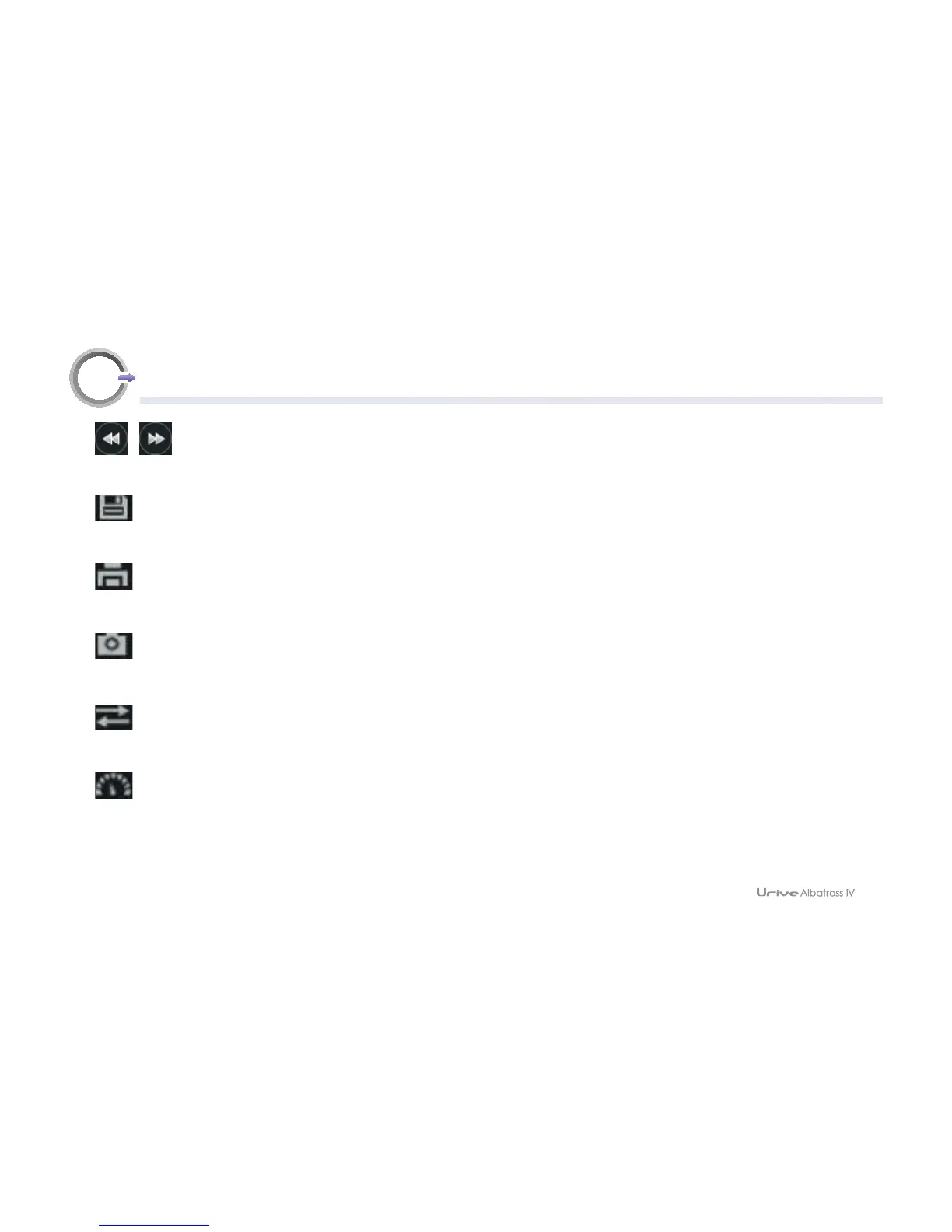
6. Previous/next frame
While playing a video, press it to pause the video, and move it by frame.
7. File copy
Copies currently playing video to the PC.
8. Print screen
Used to printout the whole screen of the Viewer.
9. Capture screen
Saves the full screen of Viewer to a JPG file.
10. Switch front/rear view
In the PC Viewer, front and rear views are switched.
11. Speed / acceleration graph
Speed/acceleration graph pops up.



 To Next Page