_ 51
11
PC Viewer – Open les
[File select prompt]
[File select prompt]
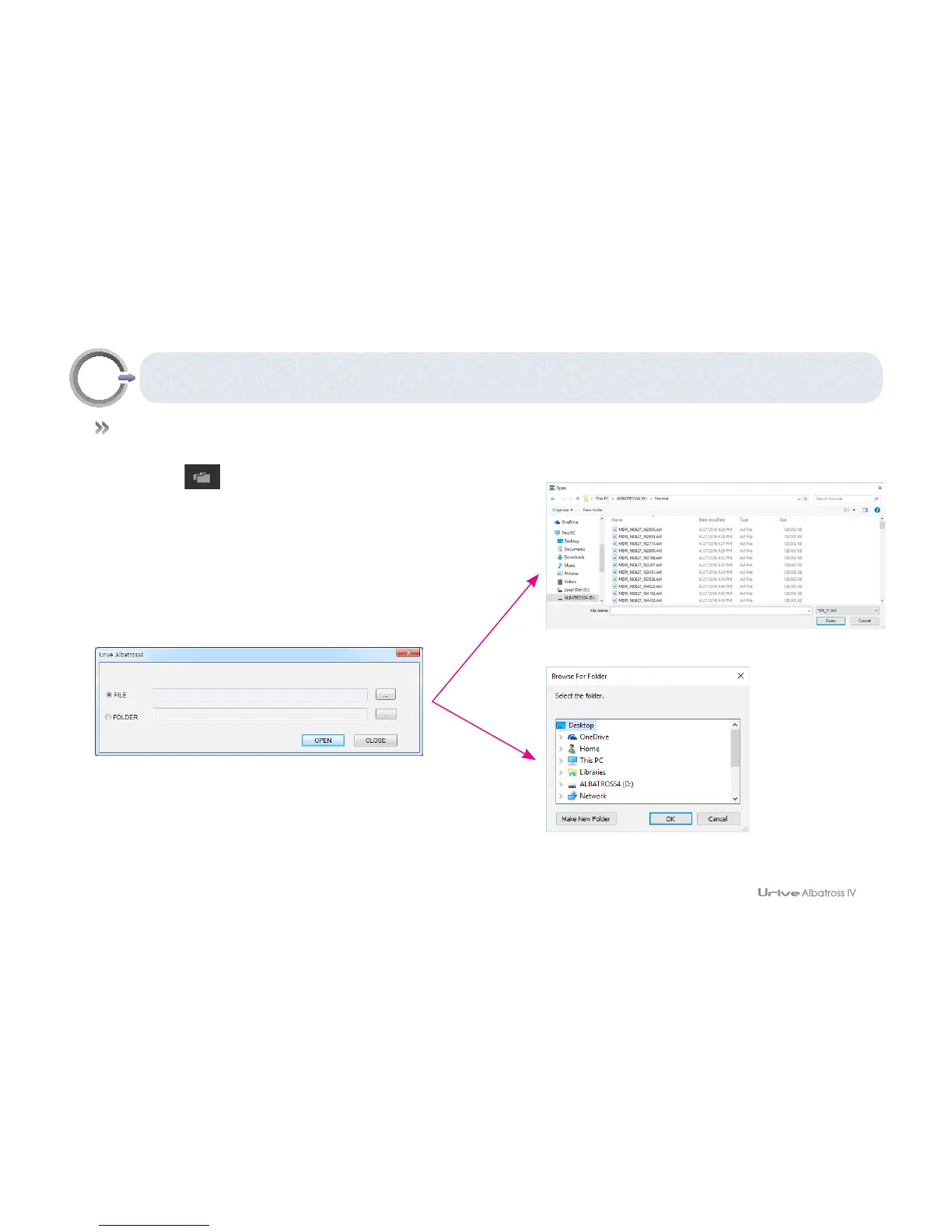
# In the PC Viewer, black box videos can be selected and played from a micro SD card or PC.
1.
#
Select the button at the viewer.
2.
#
Select files or foldesr, and, then, press open
3.
#
Selected files are added to the video list.



 To Next Page