_ 54
12
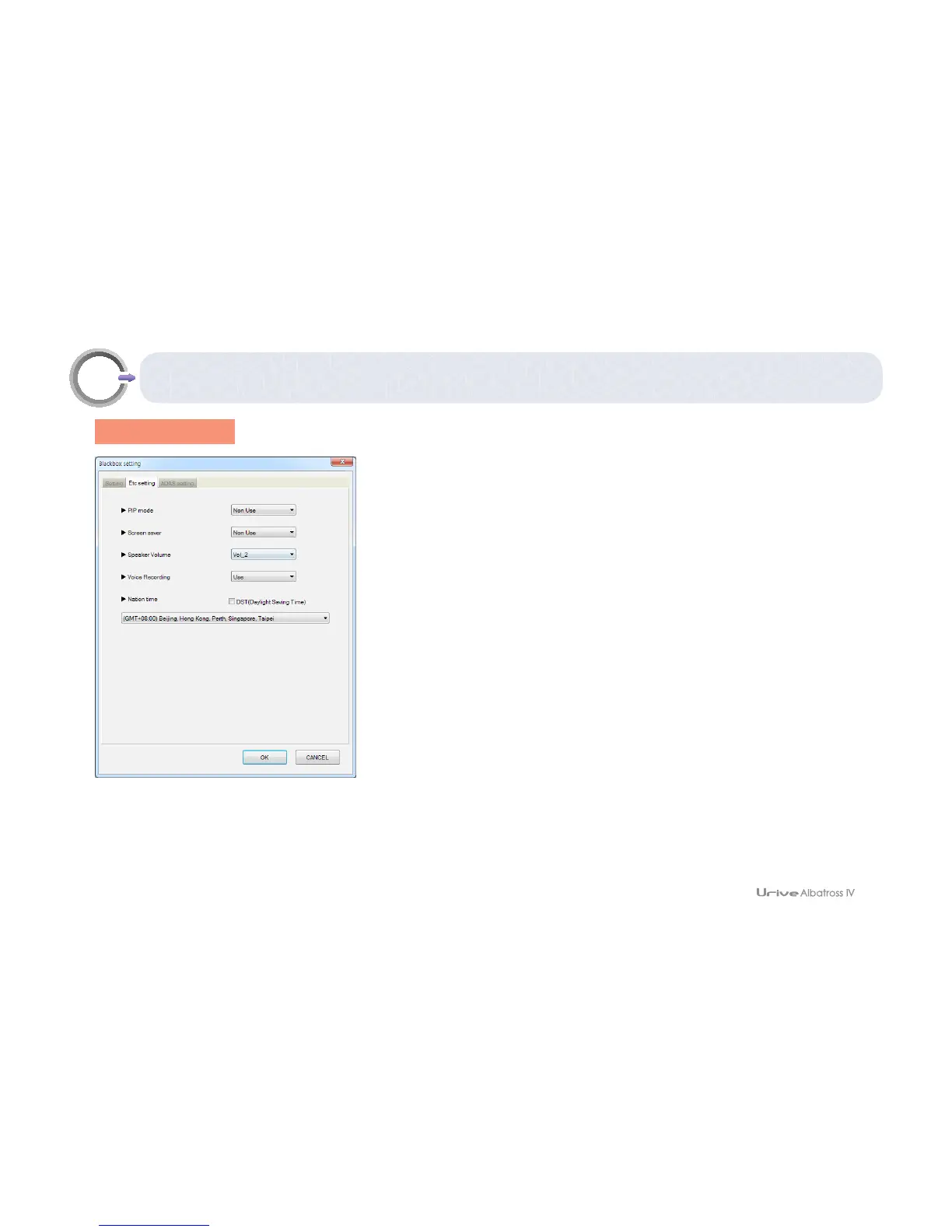
Black box conguration – Other settings
[ Other settings ]
1.
#
PIP (picture in picture) :
it shows the front and rear videos at the same time
with the PIP function. you can set to use the PIP or not.
2.
#
Screen saver:
You can set to use the screen saver (clock) or not.
3.
#
Speaker volume:
You can adjust the volume in 4 steps (Mute, 1, 2, and 3).
4.
#
Voice recording
: You can set to record voice or not.
5.
#
Nation time
: Set GMT.
6.
#
DST(Daylight Saving Time)
: If the DST box is checked, the system time will
be 1hour faster than the standard time.
▪ItisnecessarytoreceiveGPSsignalsforapplyingtheDSTfunction.
▪WhentheDSTon/offisset,theSDcardmustbeformatted.



 To Next Page