EasyManua.ls Logo

urmet domus 1067/032A - User Manual

urmet domus 1067/032A
60 pages
Go to English
Print Icon
To Next Page IconTo Next Page
Loading...
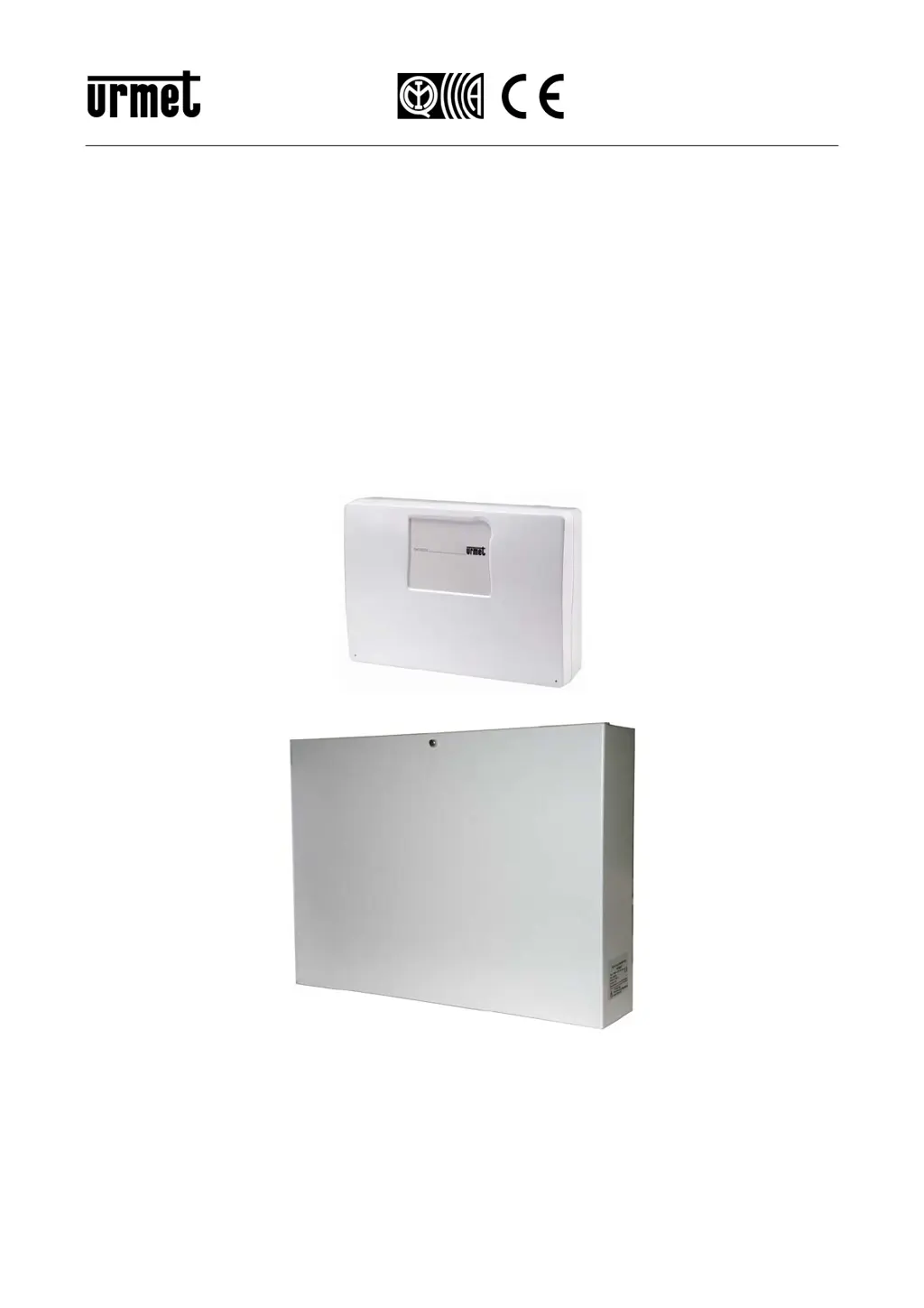
DS1067-074B LBT20099
Mod.
1067
VARIANTI DALLA NUOVA RELEASE V.1.01
VARIATIONS FROM THE NEW RELEASE V.1.01
Sch./
Ref.
1067/024
Sch./
Ref.
1067/032A
Sch./
Ref.
1067/052A
ADDENDUM INSTALLATORE
INSTALLER ADDENDUM

Table of Contents

Other manuals for urmet domus 1067/032A

Questions and Answers

  • J
    Joshua WellsJul 31, 2025
    How to troubleshoot ANOM. +PS error on Urmet Domus Control Panel?
    • M
      Maurice DiazAug 1, 2025
      If you see the error message 'ANOM. +PS' on your Urmet Domus Control Panel, it means the input voltage to the +PS terminal (control panel power supply) is malfunctioning. To resolve this, check the power supply voltage, both when it's disconnected from the control panel and when it's connected. It should be between 14.25 V and 14.55 V. If you have a 4 A power supply, you might be able to adjust this voltage using a trimmer. If the voltage drops when connected, check for an overload by disconnecting one branch of the power supply at a time. If the voltage increases when connected, check for an incorrect power supply from a self-powered device arriving at the +SR terminal.
  • V
    vanessathomasAug 4, 2025
    What to do if Urmet Domus Control Panel shows ANOM. +SR error?
    • N
      nataliehollandAug 4, 2025
      If your Urmet Domus Control Panel displays 'ANOM. +SR', it indicates that the output voltage on the +SR terminal (power supply for the self-powered devices) is incorrect (less than 11.4 V or greater than 14.9 V). If the voltage measured on the +SR terminal is low or absent, check for an overload or a short circuit. If the voltage measured is high, verify that the voltage isn't coming from a self-powered device; these devices should have a diode to prevent this.
  • R
    Ryan HendersonAug 9, 2025
    Why does my Urmet Domus Control Panel display ANOM. +V1 error?
    • C
      Cheryl Hardin MDAug 9, 2025
      If your Urmet Domus Control Panel shows 'ANOM. +V1', it means the output voltage on the +V1 terminal (power supply for output actuators) is incorrect (less than 12.9 V or greater than 14.2 V). If the voltage measured on the +V1 terminal is low or absent, check for an overload or a short circuit. If the voltage measured is high, check for an incorrect power supply from the system.
  • S
    Sandra LiuAug 13, 2025
    What does ANOM. +V2 error mean on Urmet Domus Control Panel?
    • T
      timothysmithAug 13, 2025
      If you're seeing an 'ANOM. +V2' error on your Urmet Domus Control Panel, it means the output voltage on the +V2 terminal (power supply for the detectors on the inputs) is incorrect (less than 12.9 V or greater than 14.2 V). If the voltage measured on the +V2 terminal is low or absent, check if there is an overload or a short circuit. If the voltage measured is high, check if there is an incorrect power supply from the system.
  • Y
    yibarraAug 17, 2025
    How do I fix ANOM. +D error on Urmet Domus Control Panel?
    • A
      Alexis EstesAug 17, 2025
      If your Urmet Domus Control Panel displays 'ANOM. +D', it indicates that the output voltage on the +D terminal (polarisation of the data bus) is incorrect (less than 13 V or greater than 15 V). If the voltage measured on the +D terminal is low or absent, check for an overload or a short circuit. If the voltage measured is high, check for an incorrect power supply from the system.
  • K
    Kim WatkinsAug 21, 2025
    What causes ANOM. +VBUS error on Urmet Domus Control Panel?
    • M
      Mason StevensAug 22, 2025
      If you encounter an 'ANOM. +VBUS' error on your Urmet Domus Control Panel, this means the output voltage on the + terminal (+ power supply of the data bus) is incorrect (less than 12.9 V or greater than 14.2 V). To troubleshoot, check for the following: if the voltage measured on the + terminal is low or absent, check for an overload or a short circuit. If the voltage measured on the + terminal is high, check for an incorrect power supply from the system.
  • M
    Mrs. Stephanie KleinAug 27, 2025
    What does ANOM. +V2 TSnn. TS xx error mean on Urmet Domus device?
    • W
      William MacdonaldAug 27, 2025
      If you are getting the error 'ANOM. +V2 TSnn. TS xx' on your Urmet Domus device, it indicates that the output voltage +V (power supply for the detectors on the inputs) from the device is incorrect (less than 7 V or greater than 14.3 V). If the voltage measured on the +V terminal of the device is low or absent, check for an overload or short circuit. If the voltage measured on the +V terminal of the device is high, check for an incorrect power supply from the system and also check the voltage supplied on the + terminal, which must not be > 14.3 V.

Summary

1 DESCRIPTION

1.1 VARIATIONS FROM THE NEW RELEASE V.1.01

Details changes in the new release V.1.01 for the control panel system.

1.2 LED AND SYSTEM STATUS INDICATIONS WITH OPERATING MODE 0

Explains LED and system status indications when operating mode "0" is active.

1.2.1 Use of LEDs with operating mode 0

Describes how LEDs behave on the keypad in operating mode "0".

1.5 LED INDICATIONS WITH OPERATING MODE 0

1.5.1 How to view system status with operating mode 0

Guides on how to view system status using LEDs in operating mode "0".

1.6 EXAMINE AND DELETE MEMORIES WITH OPERATING MODE “0”

1.6.1 How to examine the Alarms Memory with operating mode 0

Details how to view alarm events stored in the system memory using the keypad.

1.6.2 How to delete the Alarms Memory with operating mode 0

Describes the procedure for manually deleting the alarms memory from the menu.

1.6.3 How to examine the Tampers Memory with operating mode 0

Guides on how to view tamper events stored in the system memory using the keypad.

1.6.4 How to delete the Tampers Memory with operating mode 0

Explains how to manually delete the tampers memory from the system menu.

1.6.5 How to examine the fault and anomaly memory with operating mode 0

Details how to view fault and anomaly events indicated by LEDs on the keypad.

1.7 PARTIAL RESET

1.10 HOLD-UP FUNCTION

1.10.1 How to enable the hold-up function

Guides on enabling the hold-up function for user codes on control panels.

1.10.2 Disarming from keypad under hol-up

Explains how to disarm the system under duress using a modified user code.

1.11 ALARM MESSAGE AND CALL BLOCK

urmet domus 1067/032A Specifications

General IconGeneral
Brandurmet domus
Model1067/032A
CategorySecurity Sensors
LanguageEnglish

Related product manuals