DS1722-080A 7 LBT20132
ENGLISH
2 FUNCTIONS
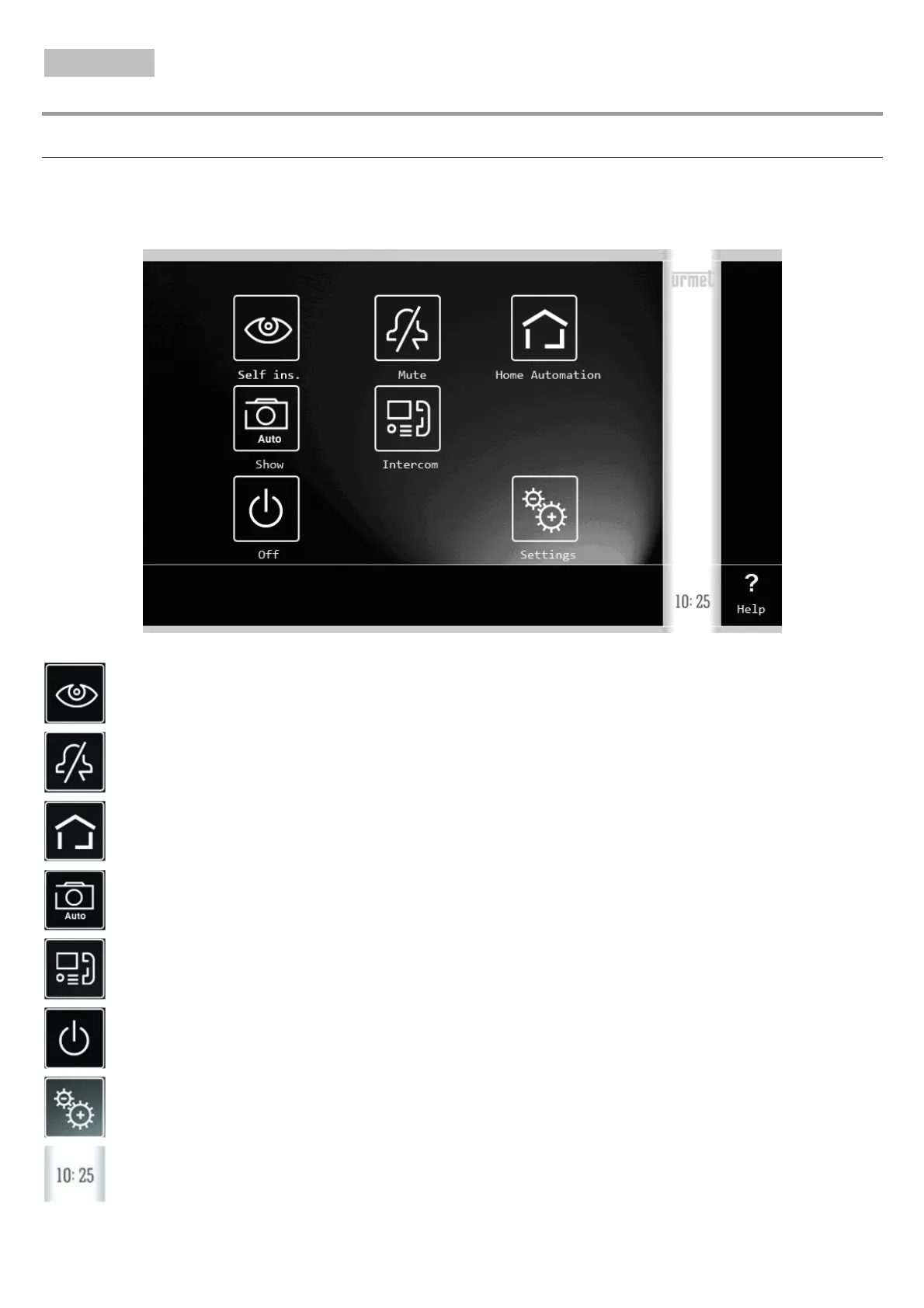
HOW TO TURN ON THE SCREEN AND ACCESS THE VARIOUS FUNCTIONS
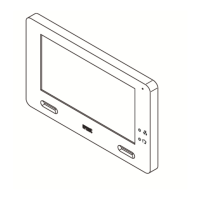
• Tap the screen at any point, or
• Press the button (5) at the bottom right of the screen to bring up the Home Page.
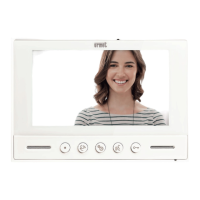
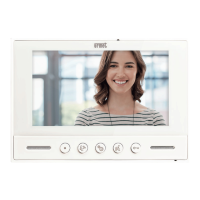
The Home Page is the following:
and gives access to the following functions:
View footage from the video camera.
Mute the call (Mute) to the monitor (the activation of this function is highlighted by the red
indicator LED 3 lighting up and by the flashing of the Mute icon).
Access the Yokis Home Automation screen page.
View a snapshot from among those already saved to the photo gallery.
Make an intercom call to other users in the same apartment or between users in different
apartments.
Turn off the screen.
Change monitor settings
Current time.





 To Next Page