- 11 -
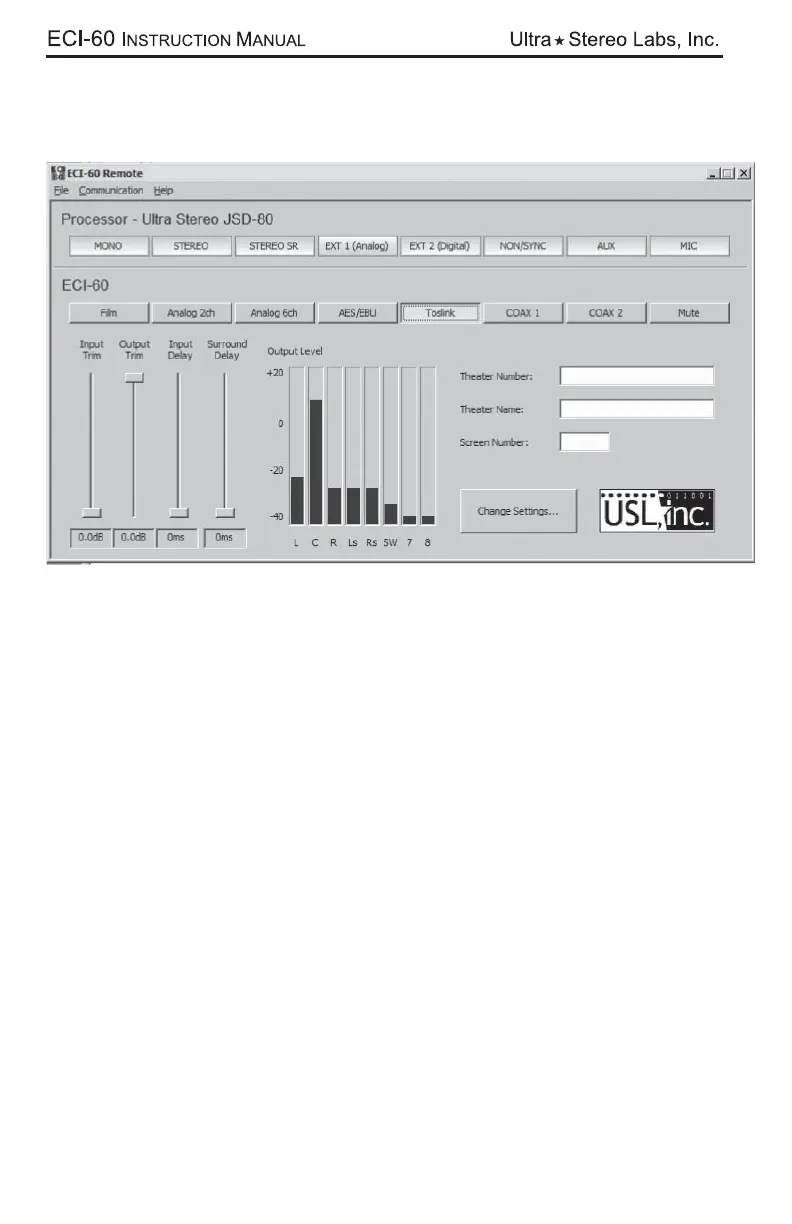
After you have achieved connection, the Format buttons will change color and, if
you are connected to a piece of equipment, you may see movement in the “Out-
put Level” window. At this point, you are operating with the “Default” processor
so it is now time to select a processor. To do this, select the “Change Settings”
button.



 To Next Page