- 13 -
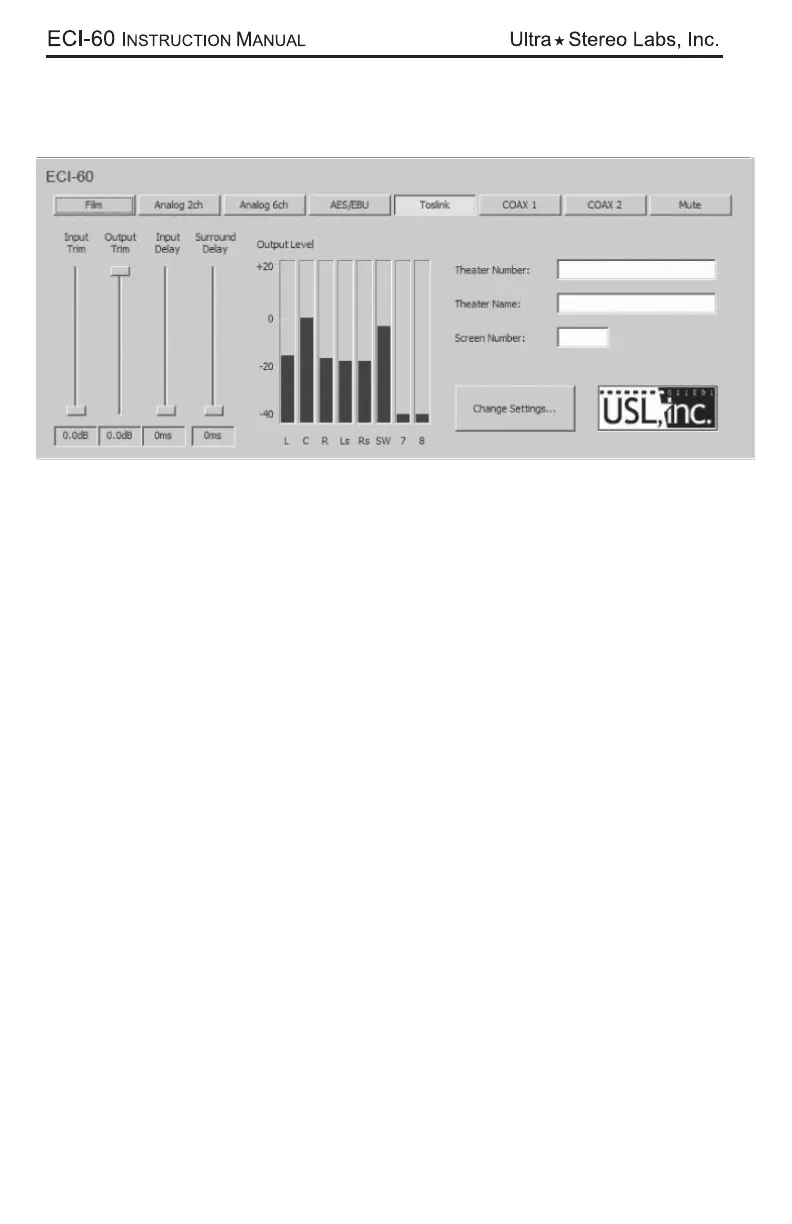
After you are connected, you may choose your input from any of the selectable
buttons. The “Film” button acts like a bypass button and is one of two that are push
on/push off. The other one is the “Mute” button.
The “Input Trim”, “Output Trim”, “Input Delay” and “Surround Delay” can be set for
each format.
Note: We strongly suggest you create and save a “setup” which should con-
tain the input and output levels for each mode plus all the time delay settings.
This template can then be loaded thereby minimizing installation time.



 To Next Page