EasyManua.ls Logo

UTECH Smart Venus - DPI Settings; Lighting Options; Product Information

UTECH Smart Venus
11 pages
Print Icon
To Next Page IconTo Next Page
To Previous Page IconTo Previous Page
Loading...
/6
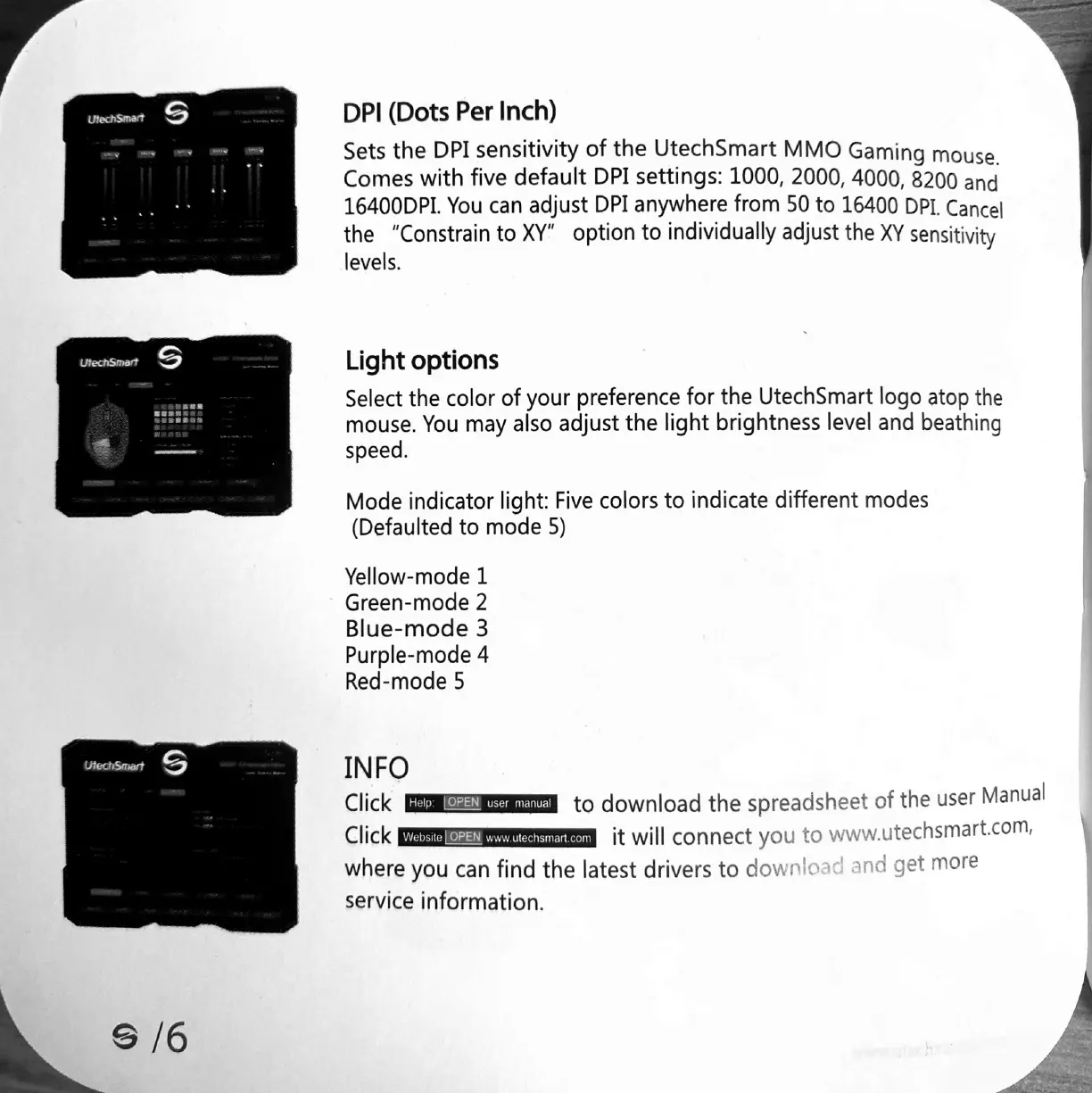
DPI
(Dots
Per
Inch)
Sets
the
DPI
sensitivity
of
the
UtechSmart
MMO
Gaming
mouse.
Comes
with
five
default
DPI
settings:
1000,
2000,
4000,
8200
and
16400DPI.
You
can
adjust
DPI
anywhere
from
50
to
16400
DPI.
Cancel
the
“Constrain
to
XY”
option
to
individually
adjust
the
XY
sensitivity
levels.
Light
options
Select
the
color
of
your
preference
for
the
UtechSmart
logo
atop
the
mouse.
You
may
also
adjust
the
light
brightness
level
and
beathing
speed.
Mode
indicator
light:
Five
colors
to
indicate
different
modes
(Defaulted
to
mode
5)
Yellow-mode
1
Green-mode
2
Blue-mode
3
Purple-mode
4
Red-mode
5
INFO
Click
to
download
the
spreadsheet
of
the
user
Manual
Click
it
will
connect
you
to
www.utechsmart.com,
where
you
can
find
the
latest
drivers
to
anc
get
more
service
information.
Website
LOPEN
www.utechsinart.com