User Manual CP2-300
11
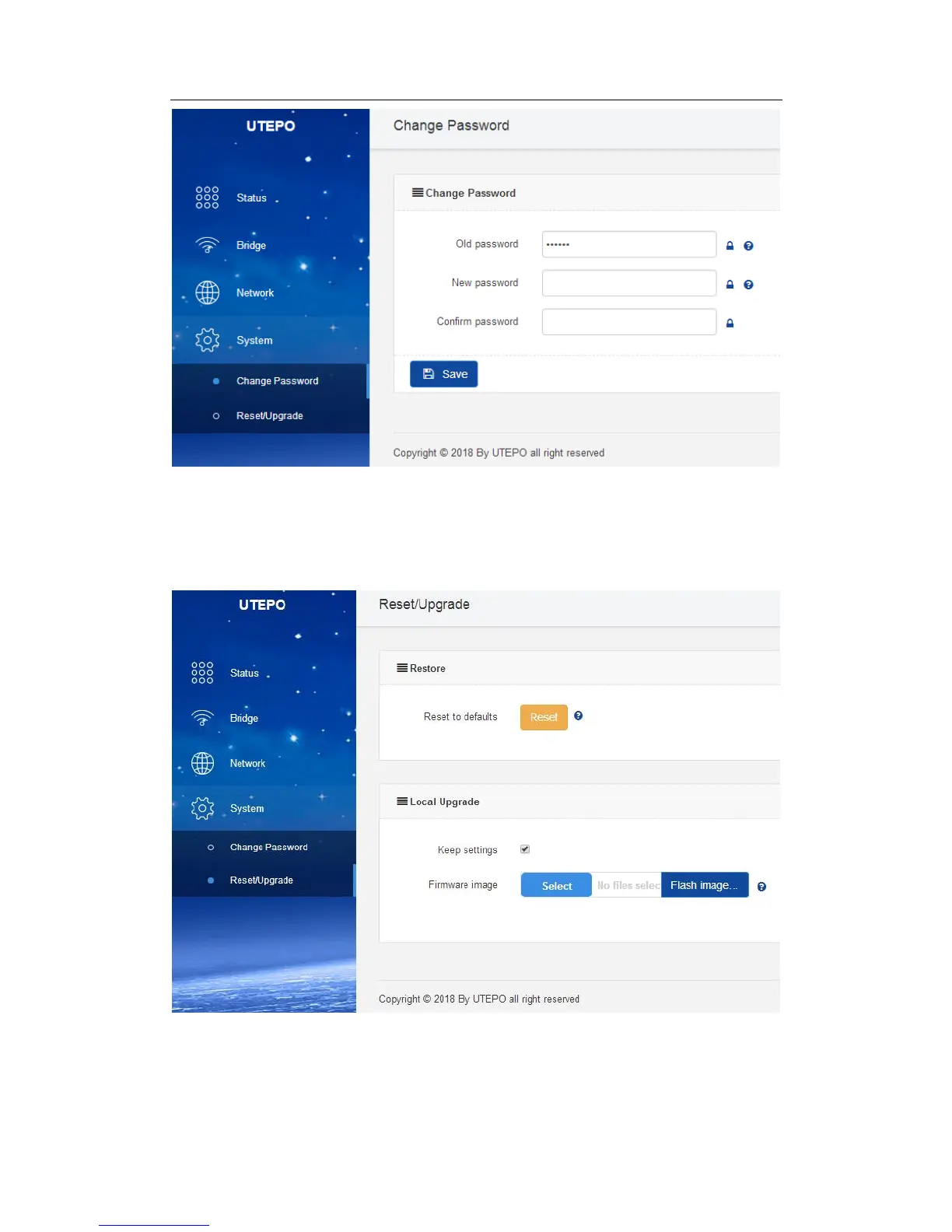
Note: it is recommended to change the router login password for network security.
2. Reset / Update
User can reset the device to defaults or upgrade through firmware in this page.
① Reset: Reset the device to factory default.
② Flash image: Click “Select” to upload the firmware to upgrade. When Click “Keep
settings”, the system would keep the all current settings, otherwise it will reset to factory
default.



 To Previous Page