EasyManua.ls Logo

Utilitech Pro 6324-CAM - User Manual

Utilitech Pro 6324-CAM
43 pages
Print Icon
To Next Page IconTo Next Page
Loading...
1
Utilitech® is a registered trademark
of LF, LLC. All Rights Reserved.
ATTACH YOUR RECEIPT HERE
Serial Number Purchase Date
Questions, problems, missing parts? Before returning to your retailer, call our
customer service department at 1-866-994-4148, 8 a.m. 6 p.m., EST, Monday
Thursday,
8 a.m. - 5 p.m., EST, Friday.
AB1722
Français p. 15
Espaňol p. 29
ITEM #0804001
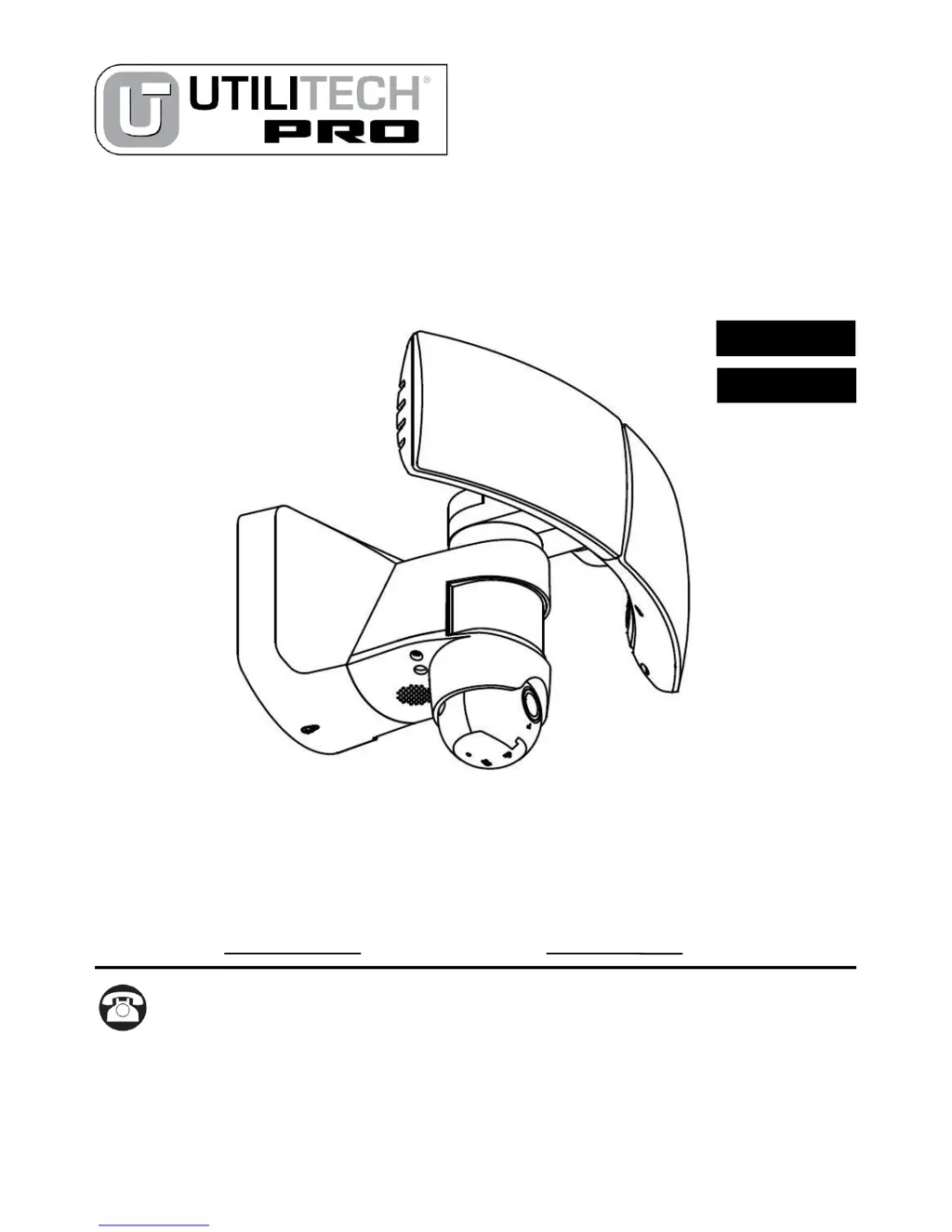
MOTION-ACTIVATED
FLOODLIGHT
WITH CAMERA
MODEL # 6324-CAM

Questions and Answers

  • J
    jessicadavisAug 11, 2025
    How to fix Utilitech Pro 6324-CAM lights that do not come on?
    • M
      Matthew PriceAug 11, 2025
      If the Utilitech Pro Security System lights don't come on, here's what to check: * Ensure the light switch is turned on. * Verify that the fuse isn't blown, or the circuit breaker isn't turned off; replace the fuse or turn on the breaker if needed. * Consider if daylight turn-off is in effect and re-check after dark. * For new installations, double-check the wiring. * Make sure the sensor adequately covers the area by re-aiming it.
  • B
    Benjamin BlanchardAug 18, 2025
    What to do if my smartphone will not connect to Utilitech Pro 6324-CAM Security System fixture?
    • J
      Jennifer HayesAug 18, 2025
      If your smartphone isn't connecting to the Utilitech Pro Security System fixture, here's what you can do: * Make sure your Wi-Fi password is correct. * Try to enhance your Wi-Fi signal. * Adjust your router from 5G to 2.4G or replace it with one that is compatible.
  • J
    Joseph McfarlandAug 25, 2025
    Why does my Utilitech Pro Security System turn on for no apparent reason?
    • K
      kristin96Aug 25, 2025
      If the Utilitech Pro Security System lights are activating unexpectedly, it could be due to a few reasons. The light control might be sensing small animals or automobile traffic; try repositioning the lamp away from the sensor or nearby objects. Also, the range might be set too high, so reposition the sensor. Finally, ensure the light control is not in MANUAL mode; revert back to the sensor.
  • E
    Earl LewisAug 30, 2025
    How to stop Utilitech Pro 6324-CAM Security System lights coming on during the day?
    • R
      randallcharlesAug 30, 2025
      If your Utilitech Pro Security System lights are coming on during the daylight, the light control may be installed in a relatively dark location; move the light to a brighter location during the daylight hours. Alternatively, the light control may be in TEST mode; set the control switch to the SENSOR mode.
  • A
    angelica08Sep 4, 2025
    What to do if Utilitech Pro 6324-CAM lights flash on and off?
    • R
      Robert BennettSep 4, 2025
      If the lights of your Utilitech Pro Security System are flashing on and off, it could be because heat or light from the lamps may be turning the light control on and off; try repositioning the lamps away from the sensor. Another cause may be the heat being reflected from other objects may be affecting the sensor, so try to reposition it. If the light control is in the TEST mode, this flashing is normal while it warms up.

Utilitech Pro 6324-CAM Specifications

General IconGeneral
Model Number6324-CAM
Resolution1080p
Night VisionYes
ConnectivityWi-Fi
WeatherproofYes
Motion DetectionYes
Two-Way AudioYes
CompatibilityiOS, Android
TypeSecurity Camera
StorageCloud