11
Continuous Light Time:
You can select DUSK/DAWN, 2H, 4H, 6H, or 10H.
After the time you set, the light will turn off automatically.
Alert Level:
You can choose to set your alert sensitivity.
Low =sensor and camera detection, Middle =sensor detection only, High = sensor and or camera
detection.
11. Adding more SECURY’LIGHT
You have two ways to add more SECURY’LIGHT:
• Press in the top left corner. After well installation with your second SECURY’LIGHT,
press “+” to do the same set up process as explained at before.
• When you just want to add the new camera which already setup successfully by your family
member or friends, then you can follow the below process:
1. Press to access More page.
2. Press “add the sharing camera”, use the scan function to scan the QR code or
directly input the serial number.
3. When add successfully, the system will automatically go to the live page, press
“ ” to start the live video.
12. Sharing your SECURY’LIGHT
• Press to access More page.
• Press share camera.
• Then you can share your SECURY’LIGHT, for example: you can share by Message.
13. Reset operation
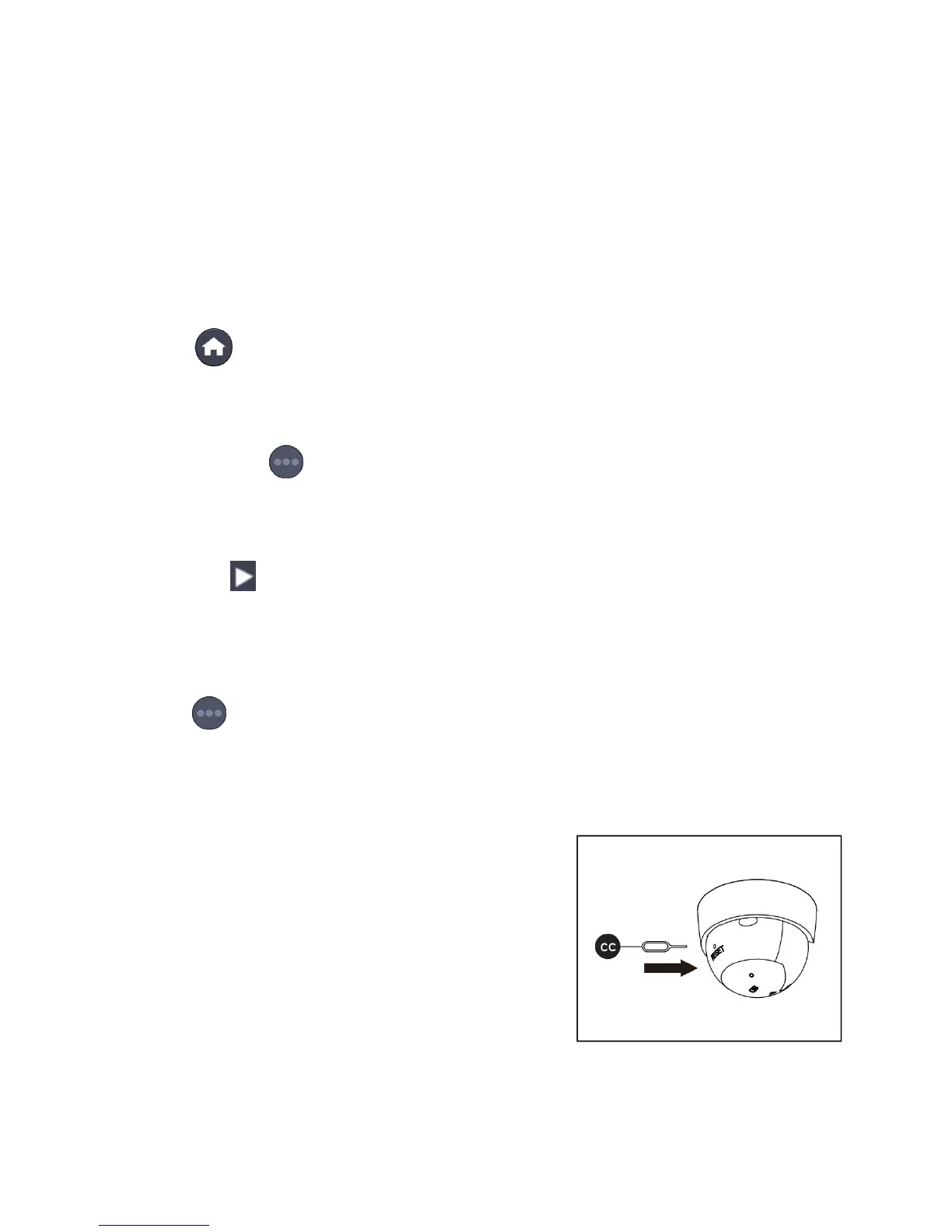
• If the fixture doesn't work, press the reset button until
you hear a voice say “Restore factory setting; please
don’t turn off”. Wait for about 1 minute until the red light
flashes. The reset has been successful.


 To Next Page