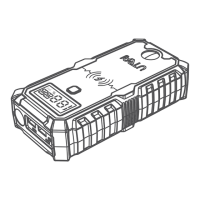
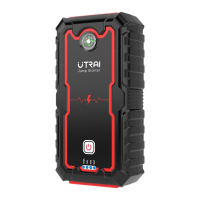
Charging Your Devices
The jump starter comes with a USB output port and a DC output port.
1. Plug the USB cable into the USB output port of your jump starter or or plug DC
cigarette lighter adapter into DC output port of it.
2. Connect it to your phone, tablet, or other 12V auto devices.
3. Press the OK Button to turn on your jump starter to start charging.
LED Light
1. Press the OK button to activate the machine.
2. Press the button to turn on the LED light.
3. In the light mode, press the button to switch modes (Normal, strobe, SOS,
off).
Safety Precautions
By owning a Jump Starter, you have everything you need to jump start a vehicle
— no need to wait for help, JS-5 to the rescue!
We know you’re excited, but before jumping your vehicle, please be sure to take
some precautionary steps:
• Read your vehicle owner’s manual first as the manufacturer may have specific
steps and precautions that pertain to your vehicle.
• Be sure to turn off all electronics in your car (radio, lights, etc.) before jump
starting.
• Make sure you are in a dry, well-ventilated area. Never jump start a vehicle in an
enclosed area.
• Remove any moisture from your jump starter unit, accessories, and your vehicle’s
battery. Never attempt to jump start a vehicle when moisture is present.
• Check that the vehicle’s battery terminals are clean to ensure the best
conductivity.
• Properly identify the vehicle battery’s positive (+, red) and negative (-, black)
terminals before connecting the clamps.
• When using the clamps, do not allow the metal teeth of the black clamp to touch
the metal teeth of the red clamp.
• When using the clamps, DO NOT connect the RED clamp to the vehicle battery’s
negative (-) terminal, or the BLACK clamp to the vehicle battery’s positive (+)
terminal.
EN06


 To Next Page