SETTINGS SETTINGS
4.
Press the Left Soft Key [Select] to save the setting.
VOLUME
Call Ringer
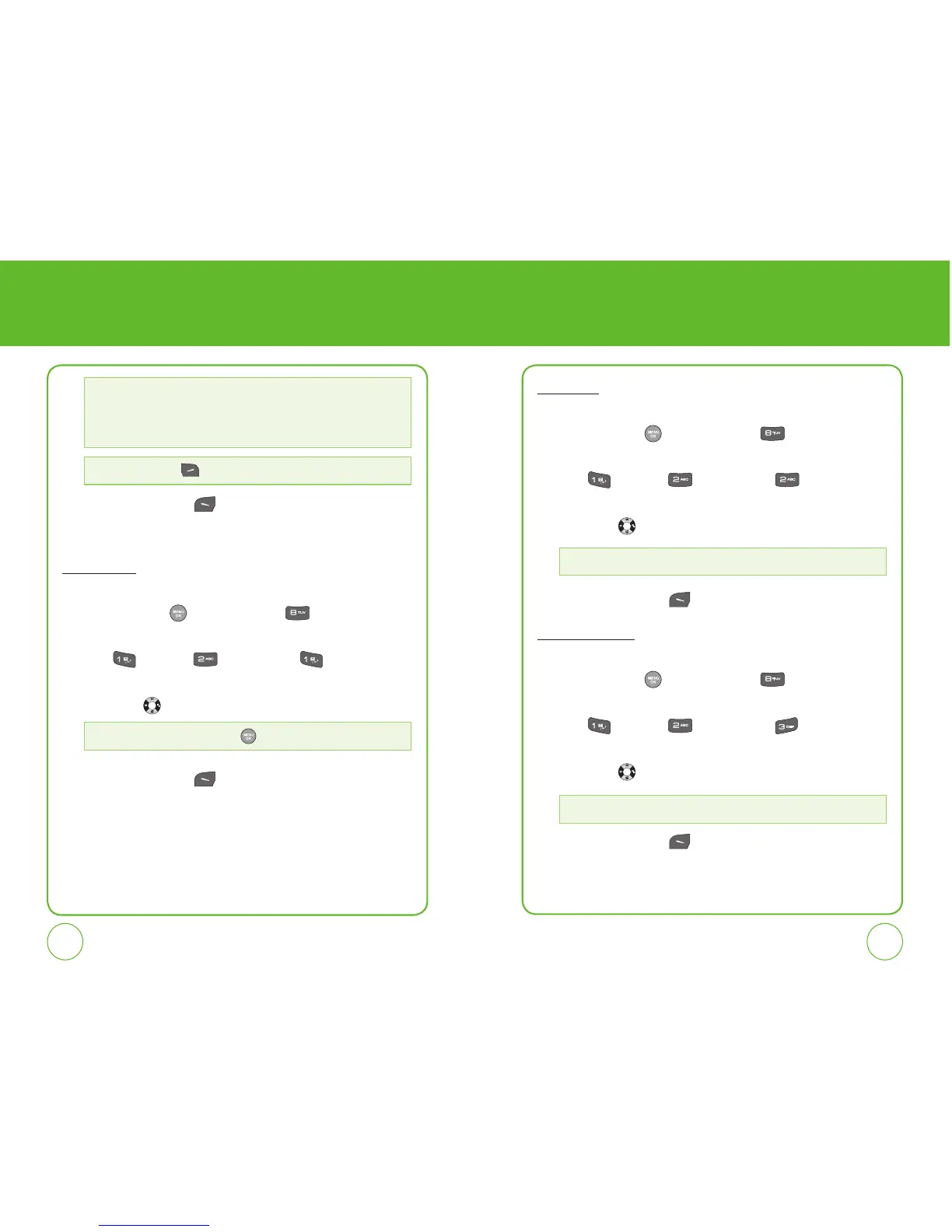
To adjust Ringer volume:
1.
Press the OK Key [Menu], then press for the “Settings”
menu.
2.
Press “Sounds”, “Volume,” then “Call Ringer”.
3.
Select one of the following settings by pressing the Navigation Key
left or right .
4.
Press the Left Soft Key [Save] to save the setting.
Key Tone
To adjust Key tone volume:
1.
Press the OK Key [Menu], then press for the “Settings”
menu.
2.
Press “Sounds”, “Volume,” then “Key Tone”.
3.
Select one of the following settings by pressing the Navigation Key
left or right .
4.
Press the Left Soft Key [Save] to save the setting.
Speakerphone
To adjust Speakerphone volume:
1.
Press the OK Key [Menu], then press for the “Settings”
menu.
2.
Press “Sounds”, “Volume,” then “Speakerphone”.
3.
Select one of the following settings by pressing the Navigation Key
left or right .
4.
Press the Left Soft Key [Save] to save the setting.
Press the Right Soft Key
[Play/Stop] to play/stop the ringer.
• Preset Sounds: Select Use phone ring, Party, Answer your phone, Siren, UT
Neumonic, UT Ring.
• My Sounds: Select download Ringer.
• Vibration: Select Use phone vib. or Vibration 1 ~ Vibration 6.
Silence All, Vibrate All, Level 0~5. Press
to Always Vibrate.
Level 0~5
Level 1~5



 To Next Page