SETTINGS SETTINGS
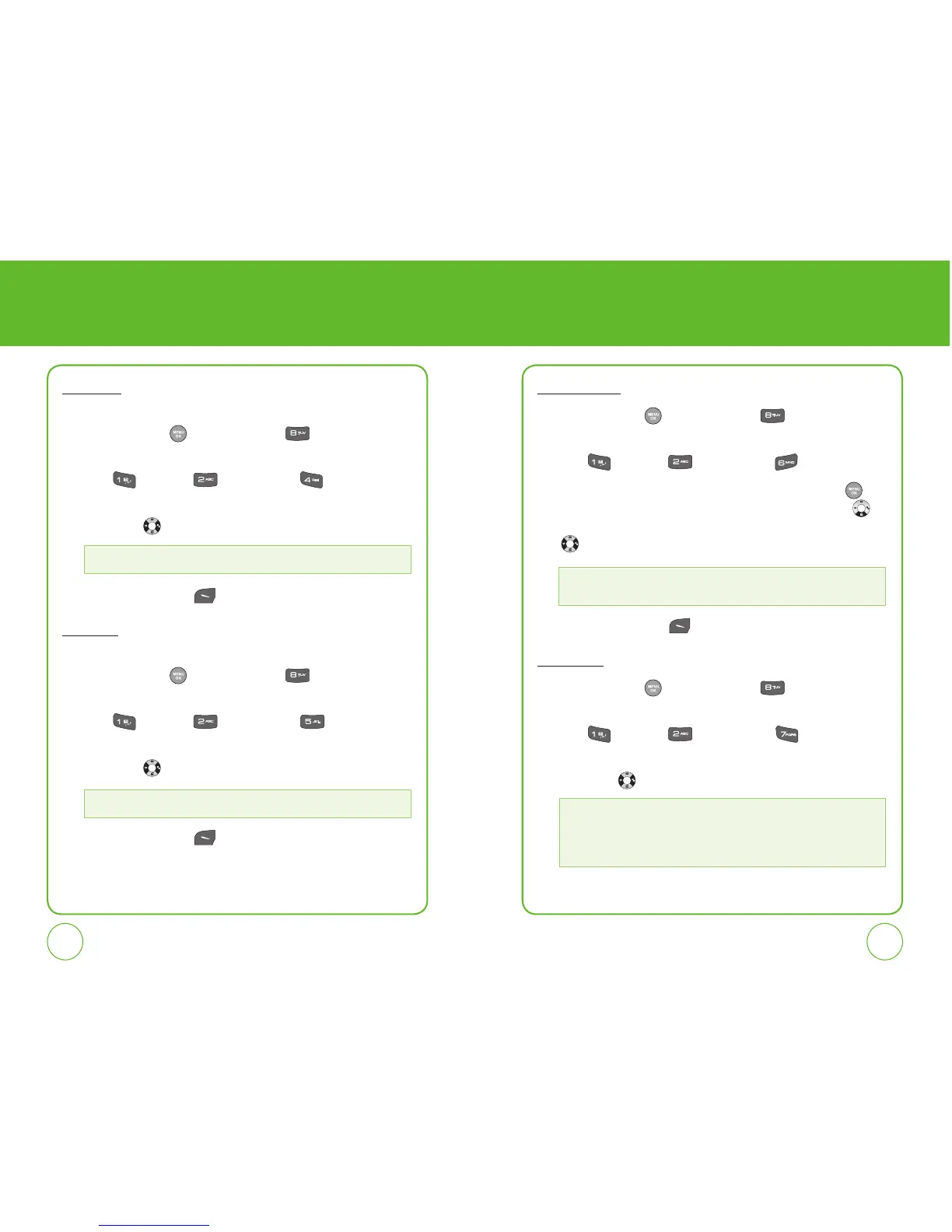
Receiver
To adjust Receiver volume:
1.
Press the OK Key [Menu], then press for the “Settings”
menu.
2.
Press “Sounds”, “Volume,” then “Receiver”.
3.
Select one of the following settings by pressing the Navigation Key
left or right .
4.
Press the Left Soft Key [Save] to save the setting.
Headset
To adjust Headset volume:
1.
Press the OK Key [Menu], then press for the “Settings”
menu.
2.
Press “Sounds”, “Volume,” then “Headset”.
3.
Select one of the following settings by pressing the Navigation Key
left or right .
4.
Press the Left Soft Key [Save] to save the setting.
Applications
1.
Press the OK Key [Menu], then press for the “Settings”
menu.
2.
Press “Sounds”, “Volume,” then “Applications”.
3.
Highlight “Use ringer” or “Separate” and press the OK Key to
select. If Separate is selected, press the Navigation Key down
to highlight the volume level. Press the Navigation Key left or right
to adjust the volume level.
5.
Press the Left Soft Key [Save] to save the setting.
Advanced
1.
Press the OK Key [Menu], then press for the “Settings”
menu.
2.
Press “Sounds”, “Volume,” then “Advanced”.
3.
Select one of the following settings by pressing the Navigation Key
left or right .
Level 1~5
Level 1~5
• Use Ringer
• Separate: Level 0~5
• Messaging
• Voicemail
• Alarms & Schedule
• Power On/Off



 To Next Page