MESSAGES MESSAGES
NEW MSG.
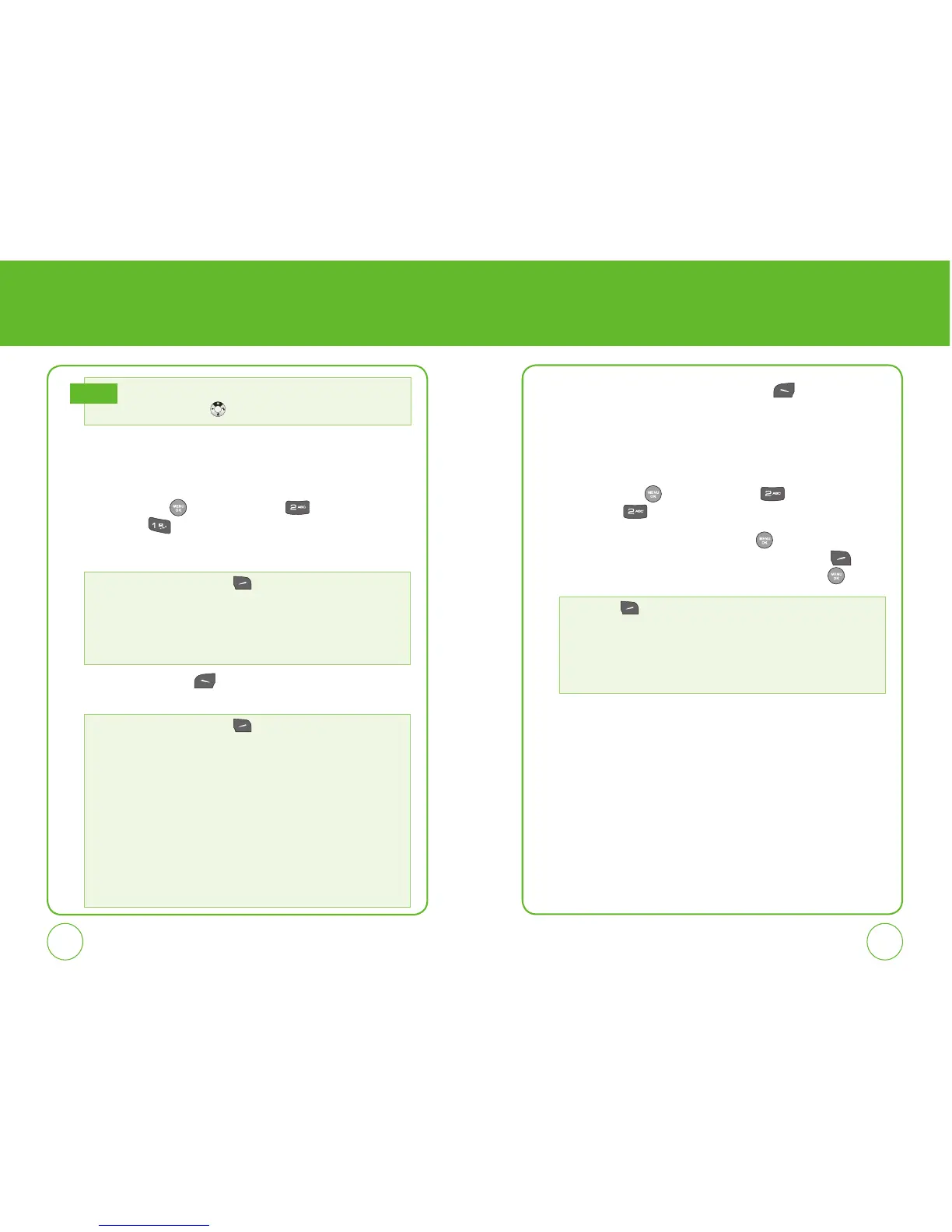
To send a new message:
1.
Press the OK Key [Menu], then press for the “Messages”
menu. Press
“New Msg.”.
2.
Under “Send to”, input the phone number.
3.
Press the Left Soft Key [Next] . Under “Enter msg”, input your
message.
4.
To send the message, press the Left Soft Key [Send].
INBOX
The Inbox manages received text/web alert messages.
To access:
1.
Press the OK Key [Menu], then press for the “Messages”
menu. Press
“Inbox”.
2.
Select a message, then press the OK Key . The message is
displayed. To delete a message, press the Right Soft Key
[Erase], then select “Yes” or “No”and press the OK Key
.
By pressing the Right Soft Key
[Options], you can choose from
the following:
• Recent Calls: Search for a phone number stored in the recent calls list.
• Contacts: Search for a phone number stored in the contacts list.
• Group Lists: Search for a group stored in the contacts list.
• Entry Mode: Change the text input mode for this field.
By pressing
[Options], you can choose from the following:
• Edit: To edit the message.
• Resend: To resend the text message.
• Lock/Unlock: To lock or unlock the message.
• Add to Contacts: Select to save the number to contacts.
• Erase: To erase the message.
You can also access Messages menu by pressing the
Navigation Key up
.
Note
By pressing the Right Soft Key
[Options], you can choose from
the following:
• Preset Msg.: Inserts already written sentences in message.
• Entry Mode: Change the text input mode for this field.
• Save as Draft: To save the message.
• Save as Preset: To save the preset message.
• Add to Contacts: Select to save the number to contacts.
• Delivery
1. Msg Receipt: Select ”On” or ”Off”.
2. Priority: Select ”Urgent” or ”Normal”.
3. Calback #: Select ”On” or ”Off”.
4. Signature
: Select ”On” or ”Off”.
• Cancel Msg.: To cancel message.



 To Next Page