4.
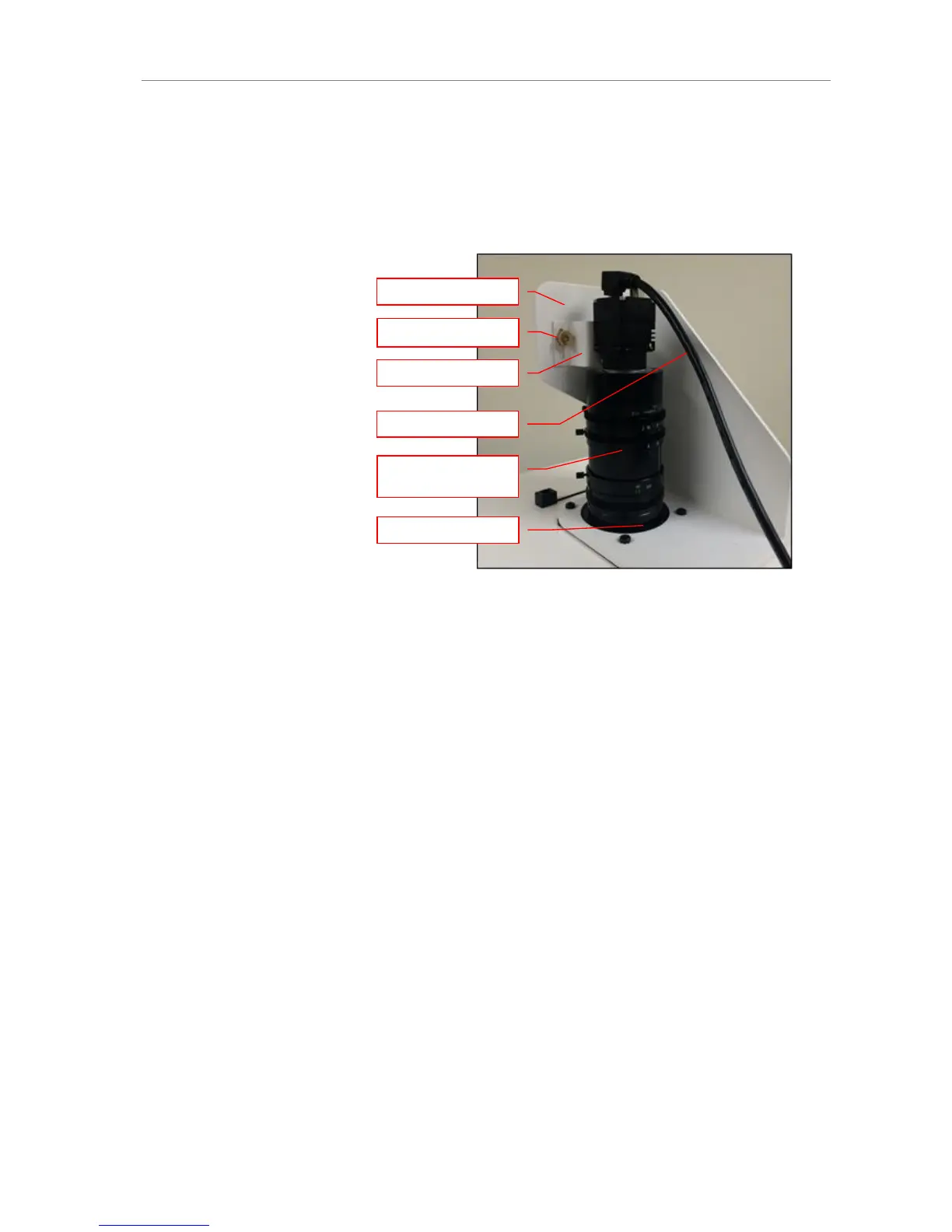
Using the brass thumb nuts provided, secure the camera assembly bracket to the dark-
room base located the top of the system. Ensure that a light-tight seal is made between
the end of the lens and the rubber gasket beneath the darkroom bracket.
5.
Plug the additional power cables to an external power source.
Do not plug the camera USB into the computer, until VisionWorks LS has been in-
stalled!
.


 To Next Page