13
INTERNAL FUNCTIONS
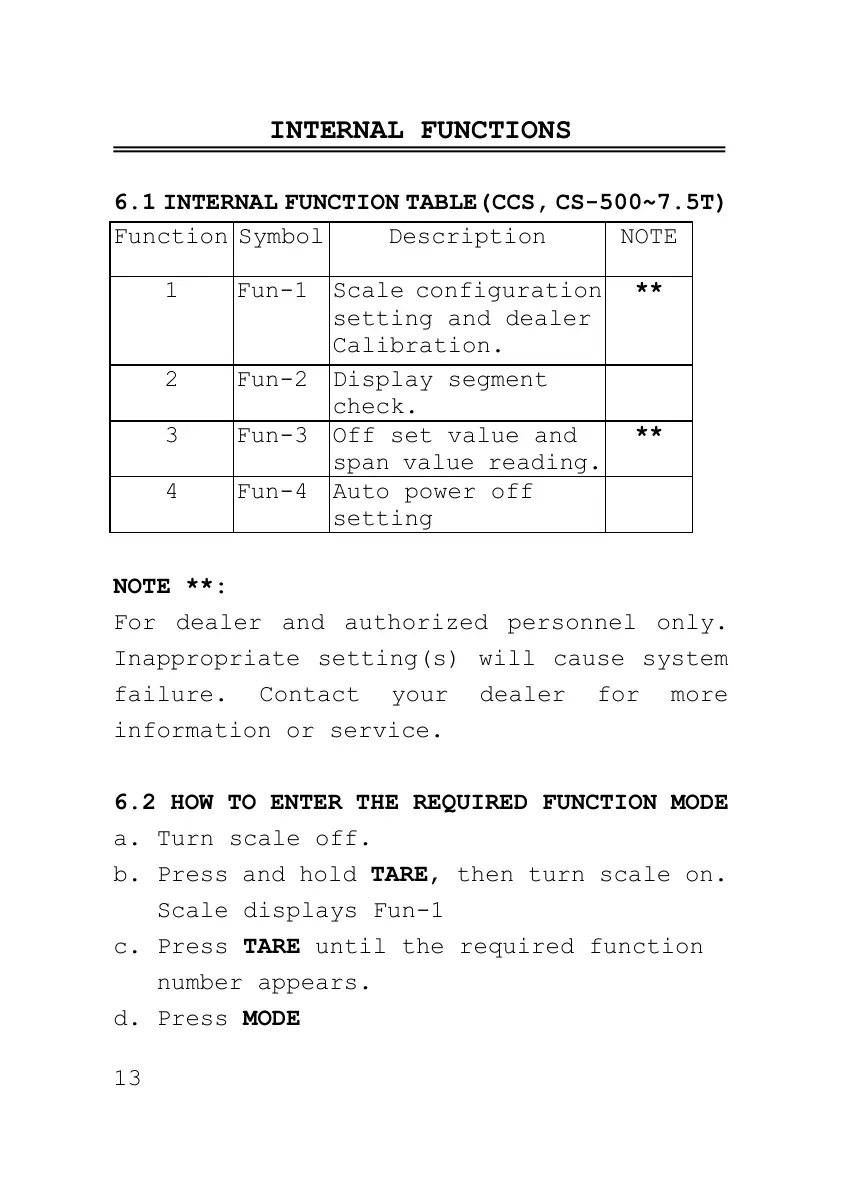
6.1 INTERNAL FUNCTION TABLE(CCS, CS-500~7.5T)
Scale configuration
setting and dealer
Calibration.
Off set value and
span value reading.
NOTE **:
For dealer and authorized personnel only.
Inappropriate setting(s) will cause system
failure. Contact your dealer for more
information or service.
6.2 HOW TO ENTER THE REQUIRED FUNCTION MODE
a. Turn scale off.
b. Press and hold TARE, then turn scale on.
Scale displays Fun-1
c. Press TARE until the required function
number appears.
d. Press MODE



 To Next Page