CONNECTING A NEW DEVICE
a. Deactivate Bluetooth on any previously paired device
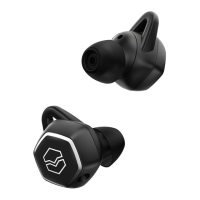
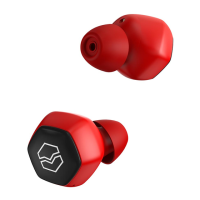
b. Remove Hexamove Lite from their case to automatically turn the earbuds on; if
they have not been paired with an active device previously, they will automatically
enter pairing mode
c. When “V-MODA HEXM LITE” appears in the “new Bluetooth devices” section on
your phone, select it to begin pairing
4
Play and pause audio / Accept or end a call
Skip to beginning of next track
Go to the beginning of previous track
Tap once
Tap twice
Tap three times
CONTROLS: RIGHT TOUCH-GYRO SENSOR
5


 To Next Page