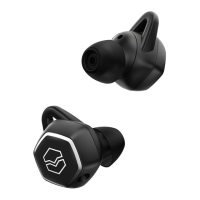
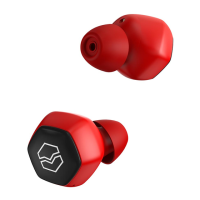
CONNECT A REPLACEMENT EARBUD IN NEW PAIR
The earbud will automatically detect the closest earbud and pair it when a pair
is removed from charging case.
CLEAR PAIRED DEVICE HISTORY / RESET HEXAMOVE LITE
a. Insert the earbuds in the charging case
b. Close the case and press and hold the button on the bottom of the case for 10
seconds
c. When the charging case LED flashes green, remove Hexamove Lite from their
case and hold them together for 3-5 seconds
d. When you hear the pairing sound, Hexamove Lite has been reset and is ready
to go
11
12


 To Next Page